
11-Fine-Tuning OpenAI Models with Training Data Files – Step-by-Step Guide
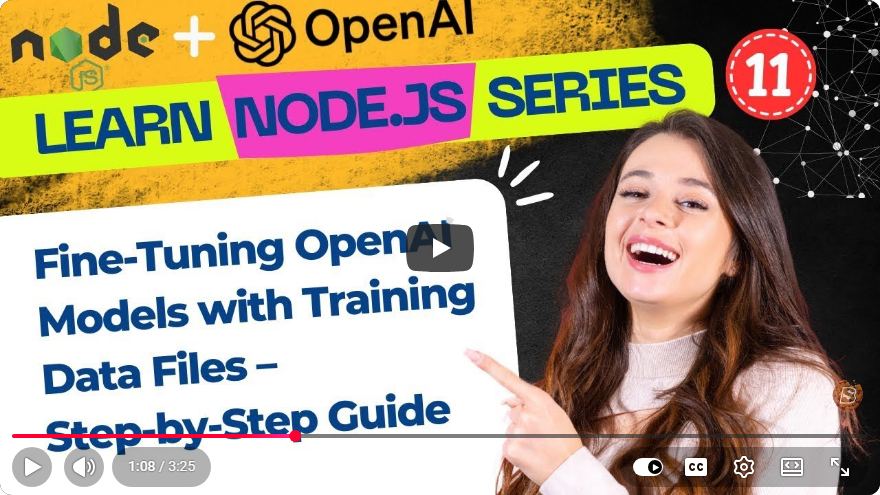
Fine-Tuning OpenAI Models with Training Data Files: A Step-by-Step Guide
Fine-tuning OpenAI models can significantly enhance their performance for specific tasks or applications. In this blog post, we will explore the entire process of fine-tuning OpenAI models using training data files. By the end of this guide, you'll have a clear understanding of how to prepare datasets, upload files, initiate fine-tuning jobs, and optimize results for your AI applications.
Table of Contents
- Understanding Fine-Tuning
- Preparing Your Dataset
- Uploading Training Data Files
- Starting Fine-Tuning Jobs
- Optimizing Your Model
- Conclusion
1. Understanding Fine-Tuning
Fine-tuning is the process of taking a pre-trained model and adapting it to a specific dataset. This allows the model to learn the nuances of your particular use case, leading to improved accuracy, relevance, and overall performance. OpenAI provides several models that can be fine-tuned for various applications, such as chatbots, content generation, and more.
2. Preparing Your Dataset
Before you can fine-tune a model, you'll need to prepare your dataset. The dataset should be structured in a specific format to ensure compatibility with OpenAI's fine-tuning process.
Step 2.1: Data Format
- The training data should be in JSONL (JSON Lines) format, where each line represents a training example.
- Each JSON object should contain the input and the expected output.
Example Format
{"prompt": "What is the capital of France?", "completion": " Paris."}
{"prompt": "Who wrote 'Hamlet'?", "completion": " William Shakespeare."}
Step 2.2: Quality Matters
Ensure that your data is clean and relevant. High-quality data will lead to better fine-tuning results.
3. Uploading Training Data Files
Once your dataset is ready, the next step is uploading it to OpenAI's platform.
Step 3.1: Accessing OpenAI Platform
- Log into your OpenAI account.
- Navigate to the Fine-Tuning section.
Step 3.2: Uploading Your Files
- Click on the “Upload” button.
- Select your JSONL file and upload it.
Tip
Make sure to validate your file after uploading to ensure there are no errors or formatting issues.
4. Starting Fine-Tuning Jobs
With your training data uploaded, you can now initiate the fine-tuning job.
Step 4.1: Initiating the Job
- In the Fine-Tuning section, select "Create Fine-Tune Job."
- Choose the model you want to fine-tune from the list of available models.
- Specify the training data file you uploaded.
Step 4.2: Configuration Parameters
- Adjust parameters such as learning rate and batch size according to your needs. Experimenting with these settings can yield better results.
Example Command
openai api fine_tunes.create -t "your_data_file.jsonl" -m "model_name" --n_epochs 4
Step 4.3: Monitoring Progress
Once the job starts, you can monitor the progress through the dashboard. It will display metrics like training loss and completion percentage.
5. Optimizing Your Model
After your model has been fine-tuned, it’s essential to evaluate and optimize its performance.
Step 5.1: Testing the Model
Run several tests to see how well the model performs with various prompts. This will give you insight into its strengths and weaknesses.
Step 5.2: Iterative Improvement
Based on the results, you may want to:
- Adjust your dataset (add more examples or refine existing ones).
- Modify training parameters and re-run the fine-tuning process.
Step 5.3: Implementation
Once satisfied with the performance, integrate your fine-tuned model into your application.
6. Conclusion
Fine-tuning OpenAI models using training data files can significantly boost their performance for specific tasks. By preparing your dataset correctly, uploading it to the OpenAI platform, starting fine-tuning jobs, and optimizing your model, you can create highly effective AI applications tailored to your needs.
Remember that the key to successful fine-tuning lies in the quality of your data and the iterative nature of the process. Happy fine-tuning!
For more in-depth tutorials and updates, make sure to subscribe to our blog for the latest in AI and machine learning best practices.
Connect with SkillBakery Studios
Explore more tutorials, tools, and resources:
Posted by SkillBakery Studios


 Hello, my name is Jack Sparrow. I'm a 50 year old self-employed Pirate from the Caribbean.
No comments:
Post a Comment