
19. Redis 101: Redis Expiry and Persistence: Managing Key Expiration and Ensuring Data Persistence
Redis 101: Managing Key Expiration and Ensuring Data Persistence
Redis, an in-memory data structure store, has gained immense popularity due to its speed and flexibility. One of its powerful features is the ability to manage key expiration and ensure data persistence. In this blog post, we will explore how to effectively use Redis for key expiration and persistence, based on insights from the video "Redis 101: Redis Expiry and Persistence."
Understanding Key Expiration in Redis
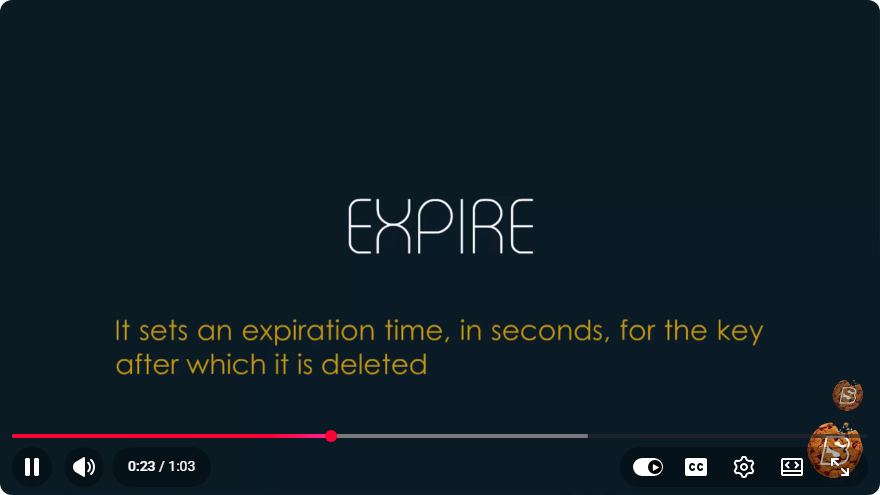
Key expiration allows developers to set a time-to-live (TTL) for specific keys in Redis. This means that after a specified period, the key will automatically be deleted from the database. Expiration is particularly useful for cache management, session storage, and any temporary data.
Setting Key Expiration
You can set an expiration for a key using the EXPIRE command. The syntax is straightforward:
EXPIRE <key> <seconds>
For example, if you want to set a key called session:123 to expire in 300 seconds, you would use:
EXPIRE session:123 300
Checking Key Expiration
To check the remaining TTL of a key, use the TTL command:
TTL <key>
This command returns the number of seconds until the key expires. If the key does not exist or has no expiration set, it will return -1 or -2, respectively.
Removing Key Expiration
If you need to remove the expiration from a key, you can use the PERSIST command:
PERSIST <key>
This command will make the key permanent, effectively lifting its expiration.
Ensuring Data Persistence
While Redis is primarily an in-memory store, it also provides mechanisms for data persistence. This is crucial for recovering data after a server restart or failure.
Persistence Options
Redis offers two main persistence strategies:
RDB (Redis Database Backup): This option creates snapshots of your data at specified intervals. You can configure the frequency of these snapshots in the Redis configuration file (
redis.conf) using theSAVEdirective. For example:save 900 1 # Save after 900 seconds if at least 1 key changed save 300 10 # Save after 300 seconds if at least 10 keys changedAOF (Append Only File): This strategy logs every write operation received by the server. AOF provides a more durable persistence option, as it can restore the database to its last state even after a crash. You can enable AOF in the
redis.conffile:appendonly yes
Choosing the Right Strategy
The choice between RDB and AOF depends on your specific use case:
- RDB is more memory efficient and faster for recovery but may result in data loss for the time between snapshots.
- AOF provides better durability but can consume more memory and take longer to recover.
You can also combine both strategies for a robust solution. Redis will load the AOF file if it exists, falling back to RDB if not.
Conclusion
Managing key expiration and ensuring data persistence are vital aspects of working with Redis. By utilizing commands like EXPIRE, TTL, and PERSIST, developers can effectively manage temporary data. Meanwhile, understanding RDB and AOF persistence strategies allows for safer data recovery in case of failures.
With these tools and techniques, you can leverage Redis not only for its speed but also for its reliability in data management. Whether you are building a caching system or managing session data, mastering these features will enhance your Redis experience.
For further exploration, consider diving into more advanced Redis features and optimizations to fully harness its capabilities. Happy coding!

Connect with SkillBakery Studios
Explore more tutorials, tools, and resources:
Posted by SkillBakery Studios


 Hello, my name is Jack Sparrow. I'm a 50 year old self-employed Pirate from the Caribbean.
No comments:
Post a Comment