
62. Python Essentials: Creating a Python Module: Organizing and Reusing Code in Separate Files
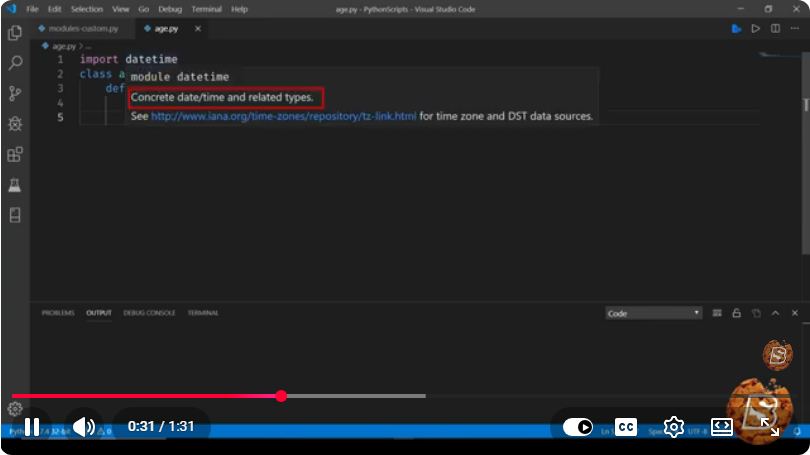
Python Essentials: Creating a Python Module
In the world of programming, organization is key to maintaining clean and efficient code. Python modules allow developers to encapsulate functionality in separate files, making code reusable and manageable. In this post, we will explore how to create and use Python modules effectively.
What is a Python Module?
A Python module is simply a file containing Python code. This code could include functions, classes, or variables that can be reused across multiple scripts. By structuring your code into modules, you can improve readability and maintainability, as well as avoid redundancy.
Benefits of Using Modules
- Reusability: Once you create a module, you can use it in multiple projects without having to rewrite code.
- Organization: Modules help keep related functions and classes together, making your codebase easier to navigate.
- Namespace Management: Modules create separate namespaces, which helps avoid naming conflicts.
Creating a Simple Python Module
Creating a Python module is quite straightforward. Let’s walk through the process with a simple example.
Step 1: Create a Python File
Start by creating a new Python file. We’ll name it math_utils.py. This file will contain some basic mathematical functions that we can reuse.
# math_utils.py

def add(a, b):
    """Return the sum of a and b."""
    return a + b

def subtract(a, b):
    """Return the difference of a and b."""
    return a - b

def multiply(a, b):
    """Return the product of a and b."""
    return a * b

def divide(a, b):
    """Return the quotient of a and b."""
    if b == 0:
        raise ValueError("Cannot divide by zero.")
    return a / b
Step 2: Import the Module
Now that we have our module created, we can use it in another Python script. Create a new file named main.py in the same directory.
# main.py

# Import the math_utils module
import math_utils

# Using functions from the math_utils module
a = 10
b = 5

print(f"{a} + {b} = {math_utils.add(a, b)}")
print(f"{a} - {b} = {math_utils.subtract(a, b)}")
print(f"{a} * {b} = {math_utils.multiply(a, b)}")
print(f"{a} / {b} = {math_utils.divide(a, b)}")
Step 3: Run Your Script
To see your module in action, run main.py from the command line or your preferred IDE.
python main.py
You should see the following output:
10 + 5 = 15
10 - 5 = 5
10 * 5 = 50
10 / 5 = 2.0
Organizing Your Modules
As your project grows, you might find the need to organize your modules further. You can create a package by placing your module in a directory and including an __init__.py file.
Step 1: Create a Package Directory
Create a directory named my_package and move your math_utils.py file into this directory. Your directory structure should look like this:
/project_directory
    /my_package
        __init__.py
        math_utils.py
    main.py
Step 2: Modify the __init__.py File
The __init__.py file can be empty, or you can use it to import specific functions or classes from your module for easier access.
# my_package/__init__.py

from .math_utils import add, subtract, multiply, divide
Step 3: Importing from the Package
Now, you can modify your main.py to import directly from the package.
# main.py

# Importing from my_package
from my_package import add, subtract, multiply, divide

a = 10
b = 5

print(f"{a} + {b} = {add(a, b)}")
print(f"{a} - {b} = {subtract(a, b)}")
print(f"{a} * {b} = {multiply(a, b)}")
print(f"{a} / {b} = {divide(a, b)}")
Conclusion
Creating Python modules is a fundamental skill that enhances your ability to write organized, reusable code. By encapsulating functionality within modules or packages, you can greatly improve the structure of your projects. As you continue to build your Python skills, remember to leverage modules to keep your code clean and efficient.
For further learning, consider exploring Python’s built-in modules and libraries to see how they organize and structure their code. Happy coding!
Connect with SkillBakery Studios
Explore more tutorials, tools, and resources:
Posted by SkillBakery Studios


 Hello, my name is Jack Sparrow. I'm a 50 year old self-employed Pirate from the Caribbean.
No comments:
Post a Comment