
Convert Java code to Kotlin
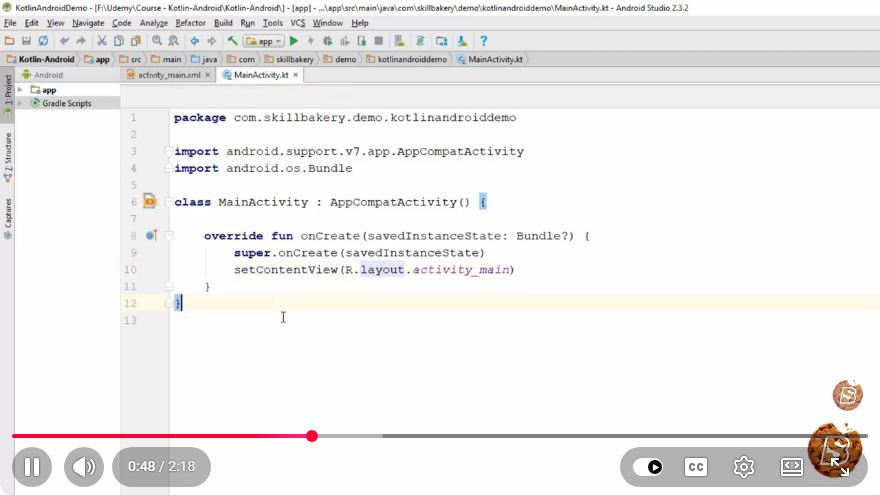
Converting Java Code to Kotlin: A Quick Guide
Kotlin has become a popular language for Android development and for writing modern applications. One of the reasons for its rapid adoption is its ability to interoperate seamlessly with Java. In this blog post, we will explore how to convert Java code to Kotlin quickly and efficiently, based on insights from the video "Convert Java code to Kotlin" which is just 2 minutes and 19 seconds long.
Why Convert Java to Kotlin?
There are several compelling reasons to convert Java code to Kotlin:
- Conciseness: Kotlin reduces boilerplate code, making your codebase cleaner and easier to read.
- Null Safety: Kotlin has built-in null safety, reducing the chances of encountering
NullPointerExceptions. - Functional Programming Support: Kotlin supports functional programming features, making it easier to write expressive code.
- Modern Syntax: Kotlin provides a modern syntax that can improve developer productivity.
Tools for Conversion
Before we dive into the conversion process, let’s take a look at the tools that can assist you:
- Kotlin Plugin for IntelliJ IDEA/Android Studio: This IDE comes with a built-in feature to convert Java code to Kotlin automatically.
- Online Conversion Tools: Websites like Kotlin's official site offer online tools for code conversion.
Step-by-Step Conversion Process
Let’s go through a simple example to demonstrate how to convert Java code to Kotlin.
Example Java Code
Here’s a sample Java class that we will convert to Kotlin:
public class User {
    private String name;
    private int age;

    public User(String name, int age) {
        this.name = name;
        this.age = age;
    }

    public String getName() {
        return name;
    }

    public int getAge() {
        return age;
    }

    public void setName(String name) {
        this.name = name;
    }

    public void setAge(int age) {
        this.age = age;
    }
}
Converting Java to Kotlin
Copy the Java Code: Start by copying the Java code you want to convert.
Open Kotlin IDE: Launch IntelliJ IDEA or Android Studio.
Paste the Java Code: Create a new Kotlin file and paste the Java code into it.
Use the Conversion Feature:
- In IntelliJ IDEA or Android Studio, select the Java code you just pasted.
- Go to the menu and select
Code>Convert Java File to Kotlin File. - Alternatively, you can use the shortcut
Ctrl + Alt + Shift + K(Windows/Linux) orCommand + Option + Shift + K(Mac).
Review the Converted Code: The IDE will generate the equivalent Kotlin code for you.
Resulting Kotlin Code
After conversion, your Kotlin code will look something like this:
class User(private var name: String, private var age: Int) {

    fun getName(): String {
        return name
    }

    fun getAge(): Int {
        return age
    }

    fun setName(name: String) {
        this.name = name
    }

    fun setAge(age: Int) {
        this.age = age
    }
}
Improvements to the Kotlin Code
While the IDE does a good job of converting Java to Kotlin, you can enhance the resulting Kotlin code further. Here’s a more idiomatic way to write the User class using Kotlin features:
data class User(var name: String, var age: Int)
In this version, we use a data class which automatically provides getters, setters, toString(), equals(), and hashCode() methods, thus reducing boilerplate code significantly.
Conclusion
Converting Java code to Kotlin can be done quickly using the tools available in modern IDEs like IntelliJ IDEA or Android Studio. The automatic conversion feature provides a strong starting point, but it's essential to refine the code to make it more idiomatic and take full advantage of Kotlin's features.
As you become more familiar with Kotlin, you'll find that its features can enhance your coding experience and improve the quality of your codebase.
For more tips on Kotlin programming, be sure to check out our other blog posts and resources. Happy coding!
Connect with SkillBakery Studios
Explore more tutorials, tools, and resources:
Posted by SkillBakery Studios


 Hello, my name is Jack Sparrow. I'm a 50 year old self-employed Pirate from the Caribbean.
No comments:
Post a Comment