
Developers : 40-Handling Result and Error Parsing in Rust using the ? Operator
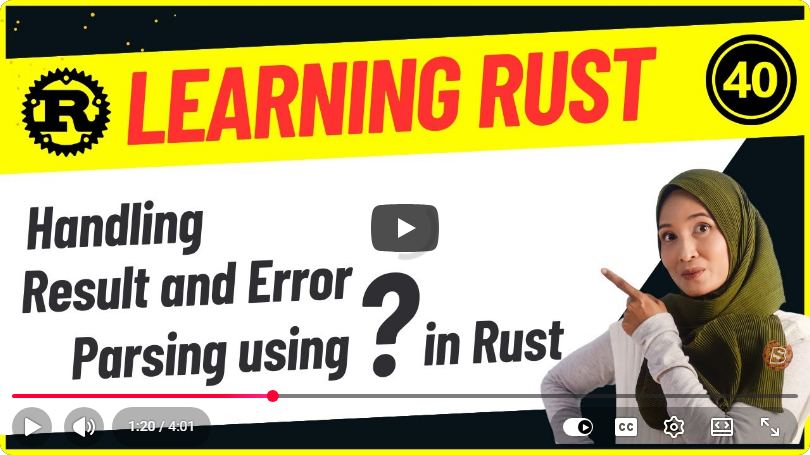
Handling Result and Error Parsing in Rust using the ? Operator
Rust is known for its emphasis on safety and performance, particularly in handling errors. One of the most powerful features in Rust for managing errors is the ? operator. In this blog post, we will explore how to effectively use the ? operator to handle Result types and parse errors, making your Rust code cleaner and more efficient.
Understanding the Result Type
In Rust, the Result type is an enum that represents the outcome of an operation that can succeed or fail. It has two variants:
Ok(T): Represents a successful operation containing a value of typeT.Err(E): Represents a failed operation containing an error of typeE.
Here’s how the Result type looks in Rust:
enum Result<T, E> {
    Ok(T),
    Err(E),
}
When to Use the Result Type
You should use the Result type when you anticipate that a function might fail and you want to provide a way to handle that failure. Instead of panicking, which is the default behavior in many languages, Rust encourages handling errors gracefully.
The ? Operator
The ? operator is a concise way to propagate errors in Rust. It can be used with functions that return a Result. If the result is Ok, it unwraps the value; if it is Err, it returns the error immediately from the current function.
Syntax of the ? Operator
Here’s a basic example of how the ? operator works:
fn may_fail() -> Result<i32, String> {
    // Simulating a possible error
    Err("Something went wrong".to_string())
}

fn main() -> Result<(), String> {
    let value = may_fail()?; // This will return the error from `may_fail`
    println!("Value: {}", value);
    Ok(())
}
In this example, if may_fail() returns an Err, the error is returned from main() without having to explicitly write an error-handling block.
Example: File Reading with Error Handling
Let's look at a more practical example involving file reading, which is a common use case for error handling.
Step 1: Setting Up the Project
First, create a new Rust project if you don't have one already:
cargo new error_handling_example
cd error_handling_example
Step 2: Reading a File
We will read a file and return its content. If the file does not exist or cannot be opened, we will propagate the error using the ? operator.
Here’s how to implement it:
use std::fs::File;
use std::io::{self, Read};

fn read_file_contents(filename: &str) -> Result<String, io::Error> {
    let mut file = File::open(filename)?; // Using `?` to handle potential errors
    let mut contents = String::new();
    file.read_to_string(&mut contents)?;
    Ok(contents)
}

fn main() -> Result<(), Box<dyn std::error::Error>> {
    let filename = "example.txt";

    match read_file_contents(filename) {
        Ok(contents) => println!("File Contents:\n{}", contents),
        Err(e) => eprintln!("Error reading file: {}", e),
    }

    Ok(())
}
Explanation of the Code
- File Opening: We attempt to open a file using
File::open(). If this fails, the?operator immediately returns the error from theread_file_contentsfunction. - Reading Contents: We read the file contents into a string. Again, we use
?to propagate any errors that might occur during reading. - Error Handling in
main: In themainfunction, we match on the result ofread_file_contentsto either print the contents or handle the error gracefully.
Benefits of Using the ? Operator
- Conciseness: The
?operator allows for cleaner code by reducing boilerplate error handling. - Readability: Using
?makes it clear when and where errors might occur. - Error Propagation: It simplifies the process of returning errors from functions without needing extensive error-handling logic.
Conclusion
The ? operator is a powerful feature in Rust that simplifies error handling while maintaining safety and clarity in your code. By using the Result type alongside the ? operator, you can effectively manage errors and create robust applications.
By incorporating these practices into your Rust programming, you can enhance both the quality and maintainability of your code. Happy coding!
Connect with SkillBakery Studios
Explore more tutorials, tools, and resources:
Posted by SkillBakery Studios


 Hello, my name is Jack Sparrow. I'm a 50 year old self-employed Pirate from the Caribbean.
No comments:
Post a Comment