
Developing Single Page Applications using ASP.Net Core and JavaScript - Setup
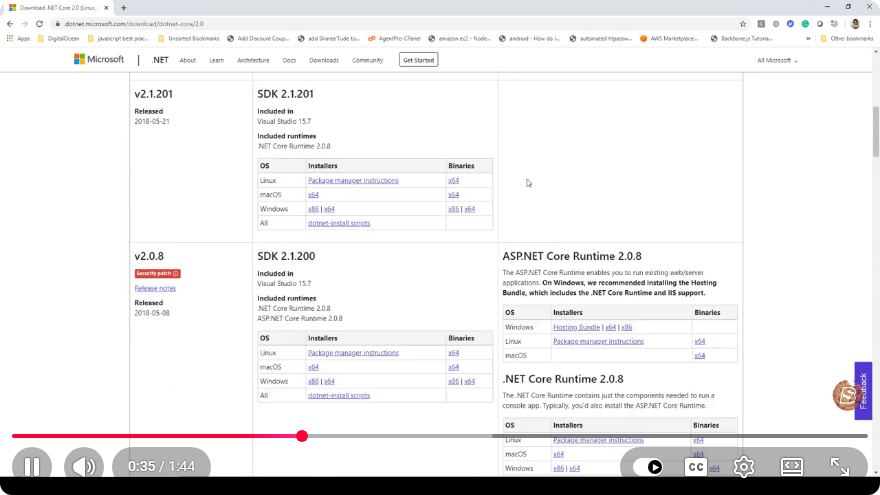
Developing Single Page Applications using ASP.Net Core and JavaScript
Single Page Applications (SPAs) have become a popular choice for web development due to their seamless user experience and efficient interaction with server resources. In this post, we will walk through the process of setting up a Single Page Application using ASP.Net Core and JavaScript. This guide is based on a concise YouTube tutorial that demonstrates the setup in just 1 minute and 45 seconds.
Why Choose ASP.Net Core for SPAs?
ASP.Net Core is an open-source, cross-platform framework that allows developers to build modern web applications. Here are a few reasons to consider using ASP.Net Core for your SPA:
- Performance: ASP.Net Core is lightweight and optimized for performance, making it suitable for high-traffic applications.
- Cross-Platform: You can run ASP.Net Core applications on Windows, macOS, and Linux, which provides flexibility in deployment.
- Supports Modern Protocols: It supports RESTful services and Web APIs, which are essential for SPAs that rely heavily on server communication.
- Robust Ecosystem: ASP.Net Core integrates seamlessly with various front-end libraries and frameworks, including React, Angular, and Vue.js.
Prerequisites
Before diving into the setup, ensure that you have the following installed on your machine:
- .NET SDK (latest version)
- Node.js (latest version)
- A code editor (e.g., Visual Studio, Visual Studio Code)
Step-by-Step Setup
Step 1: Create a New ASP.Net Core Project
Open your terminal or command prompt.
Run the following command to create a new ASP.Net Core Web Application:
dotnet new webapp -n MySinglePageAppNavigate into the project directory:
cd MySinglePageApp
Step 2: Add JavaScript Framework
For this example, we will use a simple JavaScript setup without any specific framework. However, you can easily integrate libraries like React or Angular by following their respective documentation.
Create a new folder for your JavaScript files:
mkdir wwwroot/jsCreate an
app.jsfile in thewwwroot/jsdirectory:touch wwwroot/js/app.jsOpen
app.jsand add the following basic code to confirm the setup:document.addEventListener("DOMContentLoaded", function() { const appElement = document.getElementById("app"); appElement.innerHTML = "<h1>Welcome to My Single Page Application!</h1>"; });
Step 3: Modify the Layout
Now, let’s modify the layout to include our JavaScript file.
Open the
Pages/Shared/_Layout.cshtmlfile.Add a
divelement with an ID ofappwhere you want the SPA content to render:<div id="app"></div>Include the JavaScript file just before the closing
</body>tag:<script src="~/js/app.js"></script>
Step 4: Run the Application
Now that the setup is complete, you can run your application to see if everything is working.
Run the following command in your terminal:
dotnet runOpen your web browser and navigate to
http://localhost:5000(or the specified port).
You should see the welcome message from your app.js file displayed on the page.
Conclusion
In this tutorial, we set up a basic Single Page Application using ASP.Net Core and vanilla JavaScript. This setup provides a foundation that you can expand upon by integrating additional JavaScript frameworks or libraries, enhancing your SPA's functionality.
Feel free to explore further by adding routing, state management, or API calls to build a fully functional SPA. Happy coding!
Additional Resources
This guide should equip you with the knowledge to start developing SPAs using ASP.Net Core. If you have any questions or suggestions, please leave a comment below!
Connect with SkillBakery Studios
Explore more tutorials, tools, and resources:
Posted by SkillBakery Studios


 Hello, my name is Jack Sparrow. I'm a 50 year old self-employed Pirate from the Caribbean.
No comments:
Post a Comment