
MySQL - Learn MySQL - Delete Records from a Table
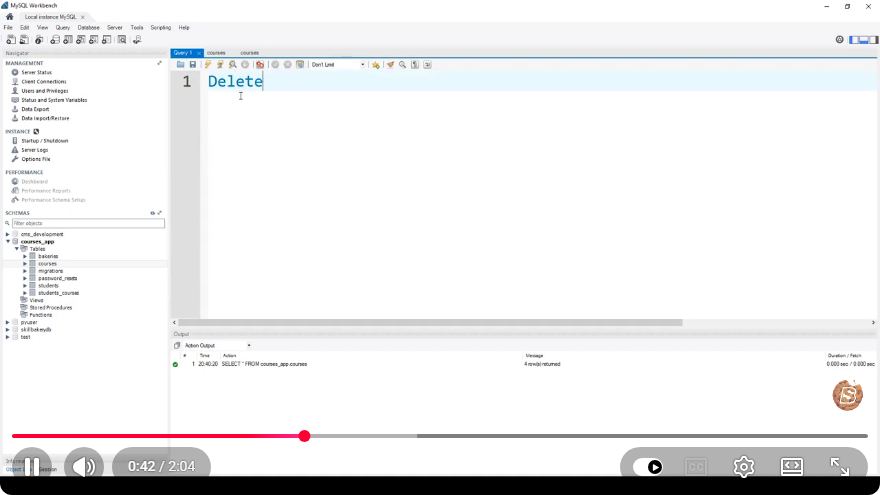
Mastering MySQL: A Quick Guide to Deleting Records from a Table
MySQL is one of the most popular relational database management systems in use today. Whether you're managing a small project or scaling up for a larger application, knowing how to manipulate data effectively is crucial. In this tutorial, we'll take a closer look at how to delete records from a table in MySQL, based on insights from the video "MySQL - Learn MySQL - Delete Records from a Table."
Understanding the DELETE Statement
The DELETE statement in MySQL is used to remove existing records from a table. It is important to use this command carefully, as once records are deleted, they cannot be recovered unless backups are in place.
Syntax of DELETE
The basic syntax of the DELETE statement is as follows:
DELETE FROM table_name
WHERE condition;
table_name: The name of the table from which you want to delete records.condition: A condition that specifies which records should be deleted. If omitted, all records in the table will be deleted, so use it with caution!
Step-by-Step Guide to Deleting Records
Let’s walk through the process of deleting records with some practical examples.
1. Set Up Your Environment
Before we begin, ensure that you have a MySQL server set up and that you can access your database using a MySQL client, such as MySQL Workbench or the command line.
2. Identify the Table and Records
Suppose we have a table named employees, structured as follows:
| id | name | position | salary |
|---|---|---|---|
| 1 | Alice | Manager | 60000 |
| 2 | Bob | Developer | 50000 |
| 3 | Charlie | Sales | 45000 |
3. Deleting Specific Records
To delete specific records, you need to define a condition. For example, if you want to delete the record for the employee named "Bob", you would execute:
DELETE FROM employees
WHERE name = 'Bob';
4. Deleting Multiple Records
You can also delete multiple records at once. For example, if you want to delete all employees with a salary less than 50000, you can do so with the following command:
DELETE FROM employees
WHERE salary < 50000;
5. Deleting All Records
If you need to delete all records from the employees table, use the DELETE statement without a WHERE clause. However, be cautious with this operation:
DELETE FROM employees;
This command will remove all rows from the table but will not delete the table itself.
6. Committing Changes
If your MySQL server is configured to use transactions, remember to commit your changes after performing a DELETE operation:
COMMIT;
Best Practices When Deleting Records
- Always Back Up Your Data: Before performing delete operations, ensure that you have a backup of your database to prevent accidental data loss.
- Use Transactions: If supported, wrap your delete operations in a transaction. This allows you to roll back changes if something goes wrong.
- Test with SELECT: Before executing a delete operation, run a
SELECTstatement with the sameWHEREcondition to verify which records will be affected. For example:
SELECT * FROM employees
WHERE salary < 50000;
Conclusion
Deleting records in MySQL is a straightforward process, but it requires careful consideration to avoid data loss. By following the steps outlined in this guide and adhering to best practices, you can confidently manage your database records.
For more detailed information and practical demonstrations, be sure to check out the original video linked here. Happy coding!
Connect with SkillBakery Studios
Explore more tutorials, tools, and resources:
Posted by SkillBakery Studios


 Hello, my name is Jack Sparrow. I'm a 50 year old self-employed Pirate from the Caribbean.
No comments:
Post a Comment