
Python - Learn how to create and use Enumerators
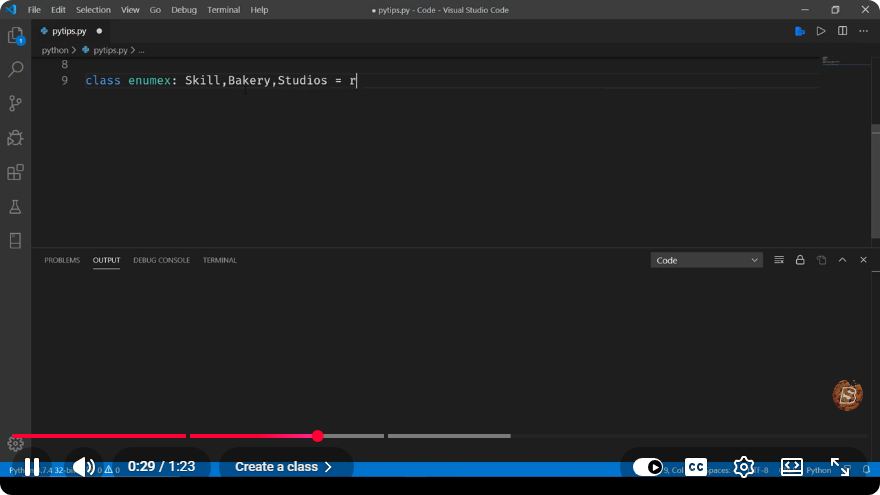
Understanding Enumerators in Python: A Quick Guide
In the world of Python programming, enumerators play a crucial role in managing collections of data. This concise guide will help you learn how to create and use enumerators in Python, ensuring you can leverage their power in your coding projects.
What is an Enumerator?
An enumerator is a built-in function in Python that allows you to loop over an iterable (like lists, tuples, or strings) while keeping track of the index of the current item. This is particularly useful when you need both the item and its index during iteration.
Why Use Enumerators?
Using enumerators can improve the readability and efficiency of your code. Instead of managing a separate index variable and manually incrementing it, enumerate() handles it for you. This not only reduces the potential for errors but also makes your code cleaner and easier to understand.
Creating and Using Enumerators
The enumerate() function in Python is straightforward to use. Here’s how you can create and utilize it effectively:
Basic Syntax
The basic syntax of the enumerate() function is:
enumerate(iterable, start=0)
- iterable: This is the collection you want to iterate over.
- start: This is the starting index (optional). By default, it starts at 0.
Example: Using enumerate()
Let’s look at a simple example to illustrate how to use enumerate() effectively.
fruits = ['apple', 'banana', 'cherry', 'date']

for index, fruit in enumerate(fruits):
    print(f"Index: {index}, Fruit: {fruit}")
Output:
Index: 0, Fruit: apple
Index: 1, Fruit: banana
Index: 2, Fruit: cherry
Index: 3, Fruit: date
In this code snippet, we have a list of fruits. The enumerate() function allows us to loop through the list while also keeping track of the index of each fruit.
Custom Starting Index
You can also customize the starting index if you prefer to start counting from a number other than zero. Here’s an example:
for index, fruit in enumerate(fruits, start=1):
    print(f"Index: {index}, Fruit: {fruit}")
Output:
Index: 1, Fruit: apple
Index: 2, Fruit: banana
Index: 3, Fruit: cherry
Index: 4, Fruit: date
In this example, the index starts at 1 instead of the default 0.
When to Use Enumerators
Enumerators are particularly useful in the following scenarios:
- When you need both the item and its index during iteration.
- In loops where you are modifying the list based on conditions tied to the index.
- When you want to enhance code readability and maintainability.
Conclusion
Enumerators in Python are a powerful feature that can help you streamline your code when working with iterables. By using the enumerate() function, you can efficiently access both the index and the value of items in a collection, making your code cleaner and easier to understand.
Feel free to experiment with the examples provided, and see how enumerators can simplify your loops in Python! Happy coding!
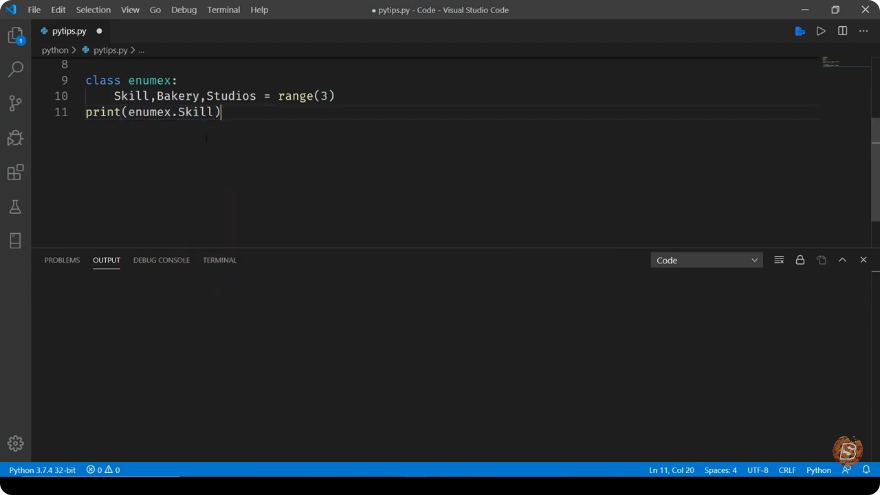
Connect with SkillBakery Studios
Explore more tutorials, tools, and resources:
Posted by SkillBakery Studios


 Hello, my name is Jack Sparrow. I'm a 50 year old self-employed Pirate from the Caribbean.
No comments:
Post a Comment