
Vue.js 101 : Efficient Event Handling in Vue.js: Understanding Modifiers
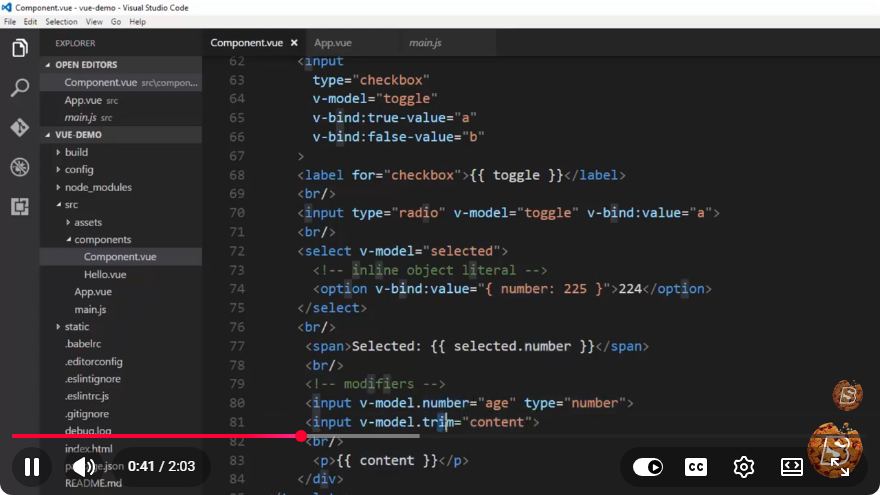
Vue.js 101: Efficient Event Handling in Vue.js – Understanding Modifiers
Vue.js is a progressive JavaScript framework used for building user interfaces. One of its powerful features is how it handles events, allowing developers to create responsive applications with minimal effort. In this blog post, we'll explore efficient event handling in Vue.js, focusing on the concept of modifiers. This tutorial is based on the insights from the video "Vue.js 101: Efficient Event Handling in Vue.js: Understanding Modifiers."
What are Event Modifiers?
Event modifiers in Vue.js are special keywords that you can add to your event listeners. They simplify the process of handling common tasks such as stopping event propagation or preventing default behavior, all while keeping your templates clean and readable. This makes your Vue applications more efficient and easier to maintain.
Common Event Modifiers
Here are some of the most commonly used modifiers in Vue.js:
.stop: Prevents the event from propagating up the DOM. This is especially useful in scenarios where you have nested elements, and you want to stop the parent element's event handler from being triggered.<button @click.stop="handleClick">Click Me</button>.prevent: Prevents the default action that belongs to the event. This is useful when you want to prevent a form submission or a link navigation.<form @submit.prevent="submitForm"> <input type="text" v-model="inputData" /> <button type="submit">Submit</button> </form>.self: Only triggers the event handler if the event was dispatched on the element itself, not on any of its children.<div @click.self="handleDivClick"> <button>Child Button</button> </div>.once: Ensures that the event listener is triggered only once, making it ideal for cases where you want to execute an action a single time.<button @click.once="handleClick">Click Me Once</button>.passive: Instructs the browser that the event listener will not callpreventDefault(), allowing the browser to optimize scrolling performance.<div @touchmove.passive="handleTouchMove">Swipe Here</div>
Combining Modifiers
Modifiers can be combined to enhance functionality. For example, if you want to prevent the default action while also stopping the event propagation, you can do so like this:
<button @click.prevent.stop="handleClick">Click Me</button>
This button will prevent the default behavior (if any) and stop the event from bubbling up to parent elements when clicked.
Why Use Modifiers?
Using modifiers in Vue.js event handling offers several advantages:
- Clarity: They make your code easier to read by clearly indicating your intent directly in the template.
- Less Boilerplate: You don’t need to write extra JavaScript to handle common event tasks, which results in cleaner and more maintainable code.
- Performance: By reducing the amount of JavaScript executed, you can improve the performance of your applications.
Conclusion
Understanding and utilizing event modifiers in Vue.js is crucial for efficient event handling. By incorporating these modifiers into your Vue applications, you can create responsive, clean, and maintainable code. As you continue to develop with Vue.js, remember to leverage these tools to enhance your applications' functionality and performance.
For more in-depth learning, consider checking out additional resources or tutorials on Vue.js to expand your skills further. Happy coding!
Connect with SkillBakery Studios
Explore more tutorials, tools, and resources:
Posted by SkillBakery Studios


 Hello, my name is Jack Sparrow. I'm a 50 year old self-employed Pirate from the Caribbean.
No comments:
Post a Comment