
Web Developers-14-Deleting the Current Session in Appwrite
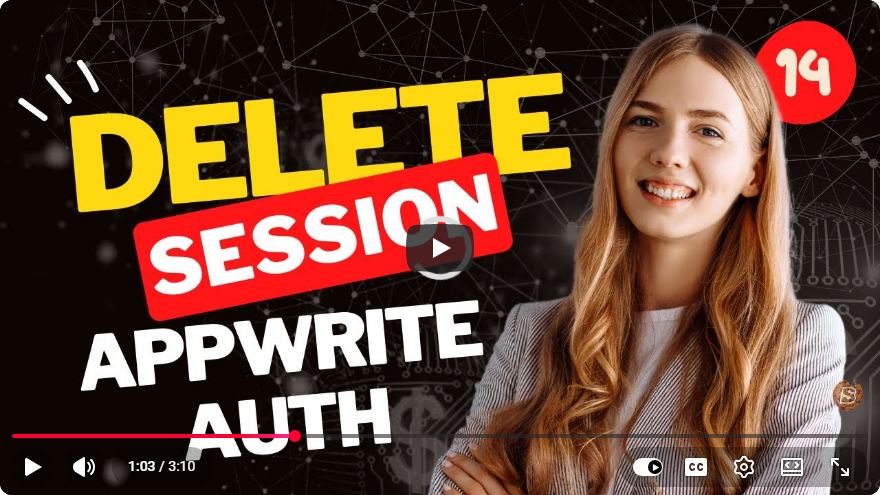
Deleting the Current Session in Appwrite: A Step-by-Step Guide
In modern web development, managing user sessions is crucial for providing a seamless and secure experience. Appwrite, a popular open-source backend server, simplifies the process of handling user sessions. In this blog post, we'll walk through how to delete the current session in Appwrite, as demonstrated in the YouTube video titled "Web Developers-14-Deleting the Current Session in Appwrite."
What is Appwrite?
Appwrite is a self-hosted backend server that offers a suite of tools and APIs to help developers build applications faster. It provides services like user authentication, database management, and file storage, making it a comprehensive solution for full-stack development.
Why Delete a Session?
Deleting a session is an essential part of user management. It might be necessary when:
- A user logs out.
- A session is compromised.
- An application needs to refresh authentication tokens.
By properly handling session deletions, developers can enhance the security and integrity of their applications.
Step-by-Step Tutorial on Deleting a Session
Prerequisites
Before you start, ensure you have:
- An Appwrite server set up and running.
- A user account to test session management.
- The Appwrite SDK installed in your project.
Step 1: Set Up Your Environment
First, ensure you have the Appwrite SDK installed. If you haven't done this yet, you can install it using npm (or your preferred package manager):
npm install appwrite
Step 2: Initialize the Appwrite SDK
Next, initialize the Appwrite SDK in your JavaScript file. Here’s how you can do it:
import { Client, Account } from "appwrite";

// Initialize the Appwrite client
const client = new Client()
    .setEndpoint('https://[YOUR_APPWRITE_ENDPOINT]') // Replace with your Appwrite endpoint
    .setProject('[YOUR_PROJECT_ID]'); // Replace with your project ID

const account = new Account(client);
Step 3: Delete the Current Session
To delete the current session, you can use the deleteSession method provided by the Appwrite SDK. This requires the session ID, which can be obtained through the getSession method if needed. The following code snippet demonstrates how to delete the current session:
async function logout() {
    try {
        // Delete the current session
        await account.deleteSession('current');
        console.log('Session deleted successfully.');
    } catch (error) {
        console.error('Error deleting session:', error.message);
    }
}

// Call the logout function
logout();
In this example, we define an asynchronous function called logout, which attempts to delete the current session. If successful, it logs a success message; otherwise, it catches and logs any errors encountered.
Step 4: Testing the Functionality
After implementing the above code, you can test the session deletion by invoking the logout function after a user action (like clicking a "Logout" button). Ensure that your application responds correctly by checking the session status.
Step 5: Handling Session States
It’s also a good practice to handle the session state in your application. After deleting the session, you may want to redirect the user to the login page or update the UI to reflect that the user is logged out.
async function logout() {
    try {
        await account.deleteSession('current');
        console.log('Session deleted successfully.');
        window.location.href = '/login'; // Redirect to login page
    } catch (error) {
        console.error('Error deleting session:', error.message);
    }
}
Conclusion
Managing user sessions is a vital aspect of web development, and Appwrite provides an intuitive way to handle it. In this tutorial, we covered how to delete the current session effectively, ensuring that your application remains secure and user-friendly.
For more advanced features and functionalities, consider exploring the Appwrite documentation or watching additional tutorials that dive deeper into user management and session handling.
Feel free to share your experiences or any questions you may have in the comments below! Happy coding!
Connect with SkillBakery Studios
Explore more tutorials, tools, and resources:
Posted by SkillBakery Studios


 Hello, my name is Jack Sparrow. I'm a 50 year old self-employed Pirate from the Caribbean.
No comments:
Post a Comment