
Web Developers : 14-Secure Your Content: Implement Gated Access with Row-Level Security in Supabase
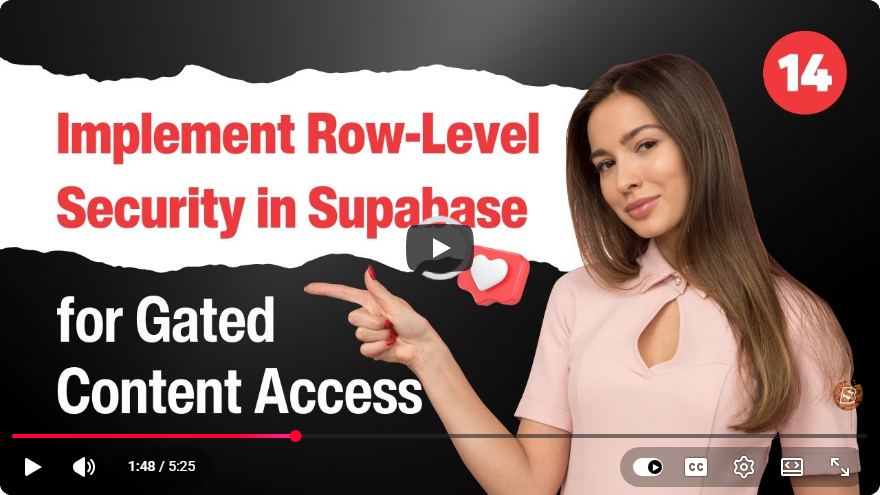
Secure Your Content: Implement Gated Access with Row-Level Security in Supabase
In today's digital landscape, ensuring the security of your web applications is more critical than ever. For web developers, this means implementing robust access controls to protect sensitive content. One effective method is using Row-Level Security (RLS) in Supabase, a powerful open-source backend-as-a-service platform. In this blog post, we'll walk through the steps to implement gated access using RLS in Supabase, ensuring that your application only exposes data to the right users.
What is Row-Level Security?
Row-Level Security (RLS) is a database feature that allows you to control access to rows in a database table based on the characteristics of the user executing a query. This means that different users can see different subsets of data from the same table, enhancing security in multi-tenant applications.
Why Use Supabase for RLS?
Supabase provides a simple and intuitive interface built on top of PostgreSQL, which natively supports RLS. With Supabase, you can easily set up your database, manage authentication, and enforce access controls without writing extensive backend code.
Key Benefits of Using Supabase:
- Open Source: Freedom to modify and adapt the platform as needed.
- Real-time capabilities: Instant updates for your app using WebSockets.
- Authentication and Authorization: Built-in user management features.
Setting Up Your Supabase Project
Before implementing RLS, you need to set up a Supabase project. Here’s how:
Create a Supabase Account:
- Go to Supabase.io and sign up for a free account.
Create a New Project:
- In the Supabase dashboard, click on "New Project."
- Fill in the required details, including your project name and password for the database.
Configure Database Tables:
- Once your project is created, navigate to the "Table Editor" section.
- Create a new table, for example,
documents, with the following columns:id(UUID) - Primary Keyuser_id(UUID) - Foreign key referencing userscontent(text) - The content you want to protect
Example Table Schema
CREATE TABLE documents (
    id UUID PRIMARY KEY DEFAULT uuid_generate_v4(),
    user_id UUID REFERENCES auth.users ON DELETE CASCADE,
    content TEXT NOT NULL
);
Implementing Row-Level Security
Step 1: Enable Row-Level Security
To enable RLS on the documents table, execute the following SQL command in the Supabase SQL editor:
ALTER TABLE documents ENABLE ROW LEVEL SECURITY;
Step 2: Create Row-Level Security Policies
Next, you'll need to define policies that govern who can access which rows. Here's a basic policy that allows users to see only their own documents:
CREATE POLICY "Users can view their own documents"
ON documents
FOR SELECT
USING (user_id = auth.uid());
This policy specifies that only rows where the user_id matches the authenticated user’s ID will be accessible.
Step 3: Insert Sample Data
To test your RLS implementation, you can insert sample data into the documents table. You can do this for different users by simulating different user IDs.
INSERT INTO documents (user_id, content) VALUES
    (uuid_generate_v4(), 'User 1 Document Content'),
    (uuid_generate_v4(), 'User 2 Document Content');
Step 4: Querying Data
Now that you have set up RLS, you can perform queries as an authenticated user. Depending on the user logged in, the results will vary. Here's an example query that retrieves documents:
SELECT * FROM documents;
This query will only return documents belonging to the currently authenticated user.
Testing Your Implementation
To ensure that your RLS policies are working correctly, log in as different users and perform the select query. You should notice that each user only sees their documents, confirming that row-level security is functioning as intended.
Conclusion
Implementing Row-Level Security (RLS) in Supabase is an effective way to secure your content and ensure that users only have access to their own data. By following the steps outlined in this tutorial, you can enhance the security of your web applications while leveraging the powerful features of Supabase.
If you have any questions or need further assistance, feel free to leave a comment below or check out the Supabase documentation for more in-depth resources. Happy coding!
Connect with SkillBakery Studios
Explore more tutorials, tools, and resources:
Posted by SkillBakery Studios


 Hello, my name is Jack Sparrow. I'm a 50 year old self-employed Pirate from the Caribbean.
No comments:
Post a Comment