
Web Developers : 21-Managing Form Values in React
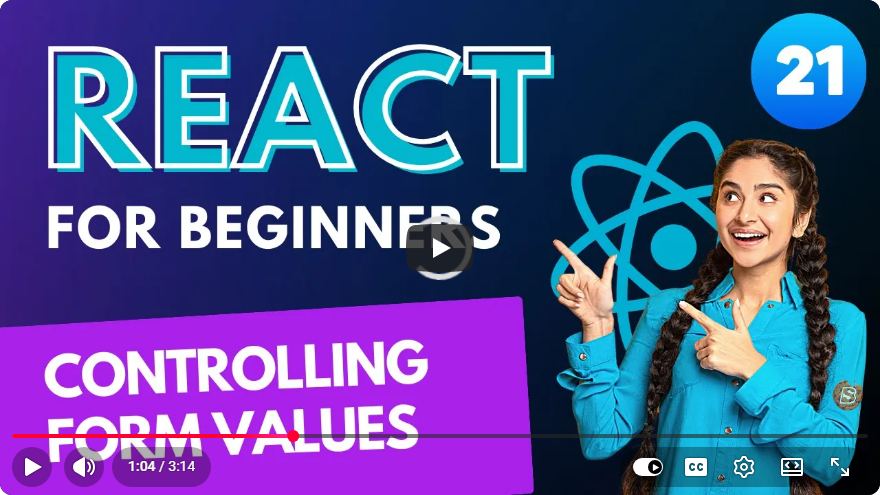
Managing Form Values in React: A Quick Guide for Web Developers
React is a powerful JavaScript library for building user interfaces, and one of its most common use cases is handling forms. In this blog post, we will explore how to efficiently manage form values in React, ensuring a smooth user experience and maintainable code. This guide is perfect for web developers looking to enhance their skills in React form management.
Understanding Controlled vs. Uncontrolled Components
Before we dive into managing form values, it is essential to understand the difference between controlled and uncontrolled components in React.
Controlled Components
In controlled components, the form data is handled by the React component's state. This means that the form input values are set in the state and updated through events.
Example:
import React, { useState } from 'react';

const ControlledForm = () => {
    const [inputValue, setInputValue] = useState('');

    const handleInputChange = (event) => {
        setInputValue(event.target.value);
    };

    const handleSubmit = (event) => {
        event.preventDefault();
        alert(`Submitted Value: ${inputValue}`);
    };

    return (
        <form onSubmit={handleSubmit}>
            <input
                type="text"
                value={inputValue}
                onChange={handleInputChange}
            />
            <button type="submit">Submit</button>
        </form>
    );
};

export default ControlledForm;
In this example, the inputValue state variable stores the current value of the input field. The handleInputChange function updates this state, allowing React to control the form input.
Uncontrolled Components
Uncontrolled components, on the other hand, do not store the form data in the component's state. Instead, they rely on the DOM to handle the form values. You can use refs to access the input values when needed.
Example:
import React, { useRef } from 'react';

const UncontrolledForm = () => {
    const inputRef = useRef(null);

    const handleSubmit = (event) => {
        event.preventDefault();
        alert(`Submitted Value: ${inputRef.current.value}`);
    };

    return (
        <form onSubmit={handleSubmit}>
            <input type="text" ref={inputRef} />
            <button type="submit">Submit</button>
        </form>
    );
};

export default UncontrolledForm;
In this case, inputRef is created using the useRef hook, allowing us to access the input's value directly from the DOM.
Best Practices for Managing Form Values
1. Use Controlled Components for Complex Forms
For forms with dynamic input fields or complex validation, controlled components are usually the better choice. This gives you more control over the form data and allows for easier validation and error handling.
2. Leverage React's State Management
Utilizing React’s built-in state management (like useState) or global state management solutions (such as Context API or Redux) can help you manage form values efficiently across different components.
3. Validate Input Values
Always validate user input to ensure it meets the required criteria. This can be done in the handleSubmit function or as the user types.
Example of Simple Validation:
const handleSubmit = (event) => {
    event.preventDefault();
    if (inputValue.trim() === '') {
        alert('Input cannot be empty');
    } else {
        alert(`Submitted Value: ${inputValue}`);
    }
};
Conclusion
Managing form values in React can be straightforward if you understand the concepts of controlled and uncontrolled components. By following best practices and leveraging React’s features, you can create efficient, user-friendly forms that enhance your applications.
Whether you choose to manage form values using controlled components for more complex scenarios or opt for uncontrolled components for simpler forms, mastering these techniques will significantly improve your React development skills.
For further learning, consider experimenting with libraries such as Formik or React Hook Form, which provide additional functionality for managing forms in React applications.
Happy coding!
Connect with SkillBakery Studios
Explore more tutorials, tools, and resources:
Posted by SkillBakery Studios


 Hello, my name is Jack Sparrow. I'm a 50 year old self-employed Pirate from the Caribbean.
No comments:
Post a Comment