
Web Development - PHP Basics - Lecture 1
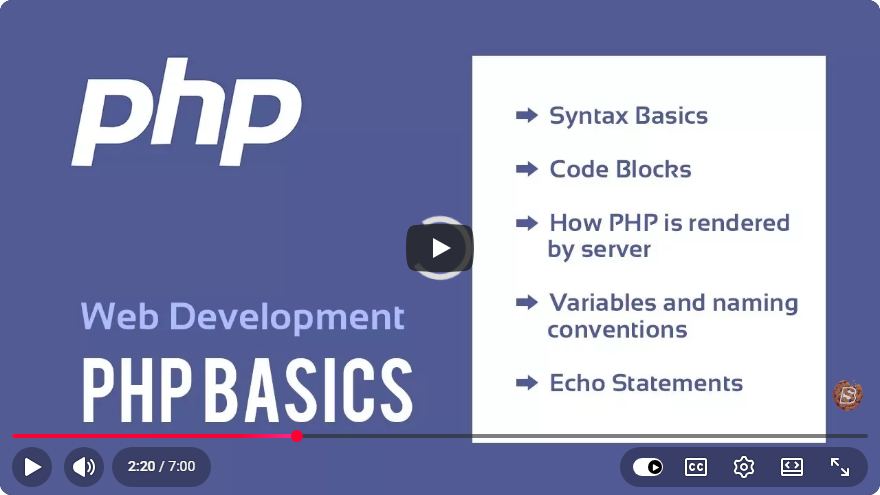
Introduction to PHP Basics: Lecture 1 Overview
Welcome to the world of web development! In this blog post, we will explore the fundamental concepts of PHP, a popular server-side scripting language. Whether you're a complete beginner or looking to brush up on your skills, this guide will cover the essential points discussed in the introductory lecture.
What is PHP?
PHP stands for "Hypertext Preprocessor." It is an open-source scripting language widely used for server-side web development. PHP can be embedded into HTML, making it easy to create dynamic web pages and applications. Some of its key features include:
- Cross-Platform Compatibility: PHP runs on various operating systems, including Windows, Linux, and macOS.
- Database Integration: It easily connects with popular databases such as MySQL.
- Large Community Support: A vast community of developers contributes to PHP, providing extensive resources and libraries.
Setting Up Your PHP Environment
Before diving into coding, you need to set up your development environment. Here’s a quick guide on how to do that:
Step 1: Install a Web Server
To run PHP scripts, you need a web server. Two popular options are:
- XAMPP: An easy-to-install package that includes Apache, MySQL, PHP, and Perl.
- MAMP: Similar to XAMPP but tailored for macOS users.
Step 2: Download and Install PHP
Most web server packages come with PHP pre-installed. However, you can download PHP separately from the official PHP website if needed.
Step 3: Configure Your Server
After installation, configure your server settings. For XAMPP, follow these steps:
- Open the XAMPP Control Panel.
- Start the Apache server by clicking the "Start" button next to it.
- Place your PHP files in the
htdocsdirectory (usually located inC:\xampp\htdocson Windows).
Writing Your First PHP Script
Now that your environment is set up, let’s write a simple PHP script. Open your preferred code editor and create a new file named index.php. You can use the following code:
<?php
echo "Hello, World!";
?>
Explanation of the Code
<?phpand?>: These tags denote the beginning and end of a PHP block.echo: This is a PHP construct used to output text to the web browser.
Running Your Script
- Save your file in the
htdocsdirectory. - Open your web browser and navigate to
http://localhost/index.php. - You should see the message "Hello, World!" displayed on the page.
Understanding PHP Syntax
Variables
In PHP, variables are represented by a dollar sign ($) followed by the variable name. Here’s an example:
<?php
$name = "John Doe";
echo $name;
?>
Data Types
PHP supports several data types:
- String: A sequence of characters.
- Integer: Whole numbers.
- Float: Decimal numbers.
- Boolean: Represents two possible values: true or false.
- Array: A collection of values.
- Object: An instance of a class.
Conditional Statements
Conditional statements allow you to execute different blocks of code based on certain conditions. Here’s an example using an if statement:
<?php
$age = 18;

if ($age >= 18) {
    echo "You are an adult.";
} else {
    echo "You are a minor.";
}
?>
Conclusion
In this introductory lecture, we covered the basics of PHP, including setting up your environment, writing your first script, and understanding basic syntax. PHP is a powerful language that can help you create dynamic web applications.
As you continue your journey in web development, practice writing more complex scripts and explore PHP's extensive functionality. Stay tuned for upcoming lectures where we will delve deeper into PHP programming concepts!
Feel free to share your thoughts or questions in the comments below. Happy coding!
Connect with SkillBakery Studios
Explore more tutorials, tools, and resources:
Posted by SkillBakery Studios


 Hello, my name is Jack Sparrow. I'm a 50 year old self-employed Pirate from the Caribbean.
No comments:
Post a Comment