
2. Dart: Unleashing the Power of a Versatile Programming Language
Unleashing the Power of Dart: A Versatile Programming Language
Dart is a modern programming language that has gained significant traction, especially among developers working on mobile, web, and server-side applications. In this post, we'll explore the key features of Dart, its advantages, and how you can start using it in your projects.
What is Dart?
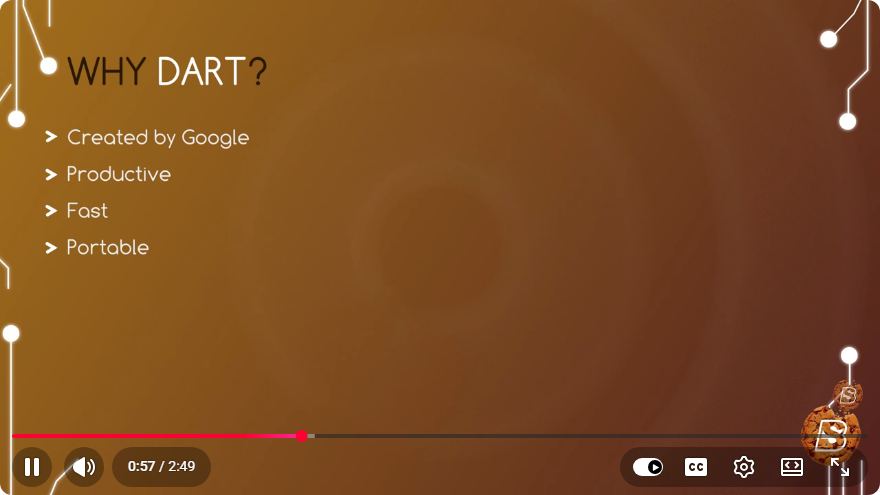
Dart is an open-source, general-purpose programming language developed by Google. It was designed to address the limitations of JavaScript and provide a more robust framework for building applications across multiple platforms. With its strong typing system and easy-to-read syntax, Dart is suitable for both beginners and experienced developers.
Key Features of Dart
1. Cross-Platform Development
Dart is particularly well-known for its use in Flutter, Google's UI toolkit for building natively compiled applications for mobile, web, and desktop from a single codebase. This capability makes Dart an excellent choice for developers looking to create cross-platform applications efficiently.
2. Strongly Typed Language
Dart is a strongly typed language, which means that variable types are known at compile time. This feature helps catch errors early in the development process and makes the codebase easier to maintain. Below is a simple example of Dart’s type system:
void main() {
  int age = 30; // Integer type
  String name = "Alice"; // String type
  bool isDeveloper = true; // Boolean type

  print("$name is $age years old. Developer: $isDeveloper");
}
3. Asynchronous Programming
Dart's support for asynchronous programming makes it easy to manage tasks that take time to complete, such as network requests. By using async and await, developers can write non-blocking code that is easier to read and maintain. Here's a simple example:
import 'dart:async';

Future<String> fetchData() async {
  await Future.delayed(Duration(seconds: 2)); // Simulate network delay
  return 'Data fetched';
}

void main() async {
  print('Fetching data...');
  String data = await fetchData();
  print(data);
}
4. Rich Standard Library
Dart comes with a comprehensive standard library that includes core functionality like collections, I/O, and asynchronous programming. This extensive set of built-in libraries helps developers save time and effort when building applications.
5. Hot Reload
When developing applications with Flutter, Dart allows for "hot reload," which enables developers to see the results of their changes in real-time without restarting the application. This feature significantly speeds up the development process and enhances productivity.
Setting Up Your Dart Environment
To start coding in Dart, follow these steps:
- Install Dart SDK: Download the Dart SDK from the official Dart website.
- Choose an IDE: You can use various IDEs like Visual Studio Code, IntelliJ IDEA, or Android Studio. Install the Dart plugin for your chosen IDE.
- Create a New Dart Project:
- Open your terminal or command prompt.
- Run the command:
dart create my_first_dart_app - Navigate to your project directory:
cd my_first_dart_app
- Run Your Dart Application:
- Use the command below to run your Dart program:
dart run
- Use the command below to run your Dart program:
Conclusion
Dart is a powerful, versatile programming language that is well-suited for modern application development. Its strong typing, asynchronous capabilities, and cross-platform support, combined with a rich standard library and tools like Flutter, make it an ideal choice for developers looking to build responsive, high-performance applications.
With an easy setup process and supportive community, there's no better time to dive into the world of Dart. Start experimenting with your own projects today and unleash the power of this remarkable programming language!
Connect with SkillBakery Studios
Explore more tutorials, tools, and resources:
Posted by SkillBakery Studios


 Hello, my name is Jack Sparrow. I'm a 50 year old self-employed Pirate from the Caribbean.
No comments:
Post a Comment