
51. Python Essentials: String Methods in Python
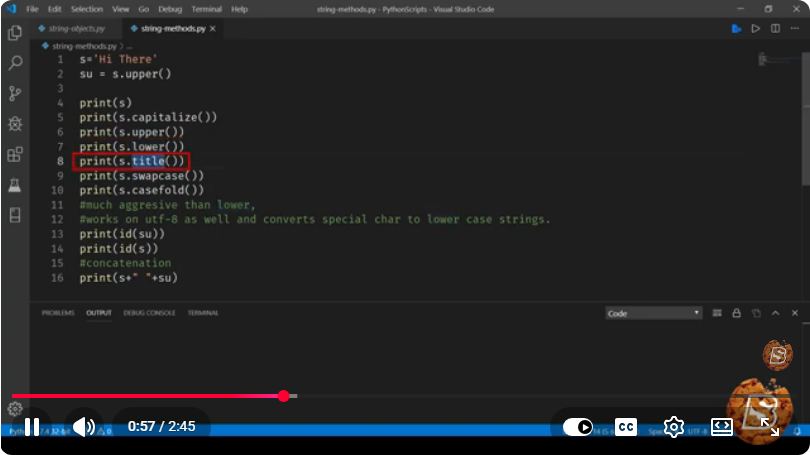
Python Essentials: String Methods in Python
Strings are one of the most commonly used data types in Python, and understanding the various string methods available can significantly enhance your programming efficiency. In this tutorial, we will explore essential string methods in Python that can help you manipulate and work with string data effectively.
What are String Methods?
String methods are built-in functions that allow you to perform specific operations on string objects. These methods can help with tasks such as searching for substrings, changing the case of strings, trimming whitespace, and formatting strings.
Basic String Methods
1. str.lower()
The lower() method returns a copy of the string with all characters converted to lowercase.
text = "Hello, World!"
lowercase_text = text.lower()
print(lowercase_text)  # Output: hello, world!
2. str.upper()
Similarly, the upper() method converts all characters in the string to uppercase.
uppercase_text = text.upper()
print(uppercase_text)  # Output: HELLO, WORLD!
3. str.title()
The title() method converts the first character of each word to uppercase and the rest to lowercase.
title_text = text.title()
print(title_text)  # Output: Hello, World!
4. str.strip()
The strip() method removes any leading and trailing whitespace from the string.
whitespace_text = "   Hello, World!   "
stripped_text = whitespace_text.strip()
print(f"'{stripped_text}'")  # Output: 'Hello, World!'
Searching and Replacing
5. str.find()
The find() method searches for a substring and returns the lowest index where it is found. If the substring is not found, it returns -1.
index = text.find("World")
print(index)  # Output: 7
6. str.replace()
The replace() method replaces a specified substring with another substring.
replaced_text = text.replace("World", "Python")
print(replaced_text)  # Output: Hello, Python!
Joining and Splitting Strings
7. str.split()
The split() method splits a string into a list where each word is a list item. The split is done based on whitespace by default.
sentence = "Hello, World! Welcome to Python."
words = sentence.split()
print(words)  # Output: ['Hello,', 'World!', 'Welcome', 'to', 'Python.']
8. str.join()
The join() method is used to join elements of a list into a single string, with a specified separator.
words_list = ['Hello', 'World']
joined_text = " ".join(words_list)
print(joined_text)  # Output: Hello World
String Formatting
9. str.format()
The format() method allows you to format strings by inserting values into placeholders.
name = "Alice"
age = 30
formatted_string = "My name is {} and I am {} years old.".format(name, age)
print(formatted_string)  # Output: My name is Alice and I am 30 years old.
10. f-Strings (Python 3.6+)
For Python 3.6 and later, f-strings provide a more concise way to format strings.
formatted_f_string = f"My name is {name} and I am {age} years old."
print(formatted_f_string)  # Output: My name is Alice and I am 30 years old.
Conclusion
In this tutorial, we covered essential string methods in Python that every programmer should know. Mastering these methods will allow you to handle string data more effectively and write cleaner, more efficient code.
For further exploration, try experimenting with these methods in your own Python projects to see how they can simplify your string manipulation tasks!
Feel free to share your thoughts or ask questions in the comments below. Happy coding!
Connect with SkillBakery Studios
Explore more tutorials, tools, and resources:
Posted by SkillBakery Studios


 Hello, my name is Jack Sparrow. I'm a 50 year old self-employed Pirate from the Caribbean.
No comments:
Post a Comment