
C# 14 Extension Members: Modernizing Extension Methods with Properties & Indexers!
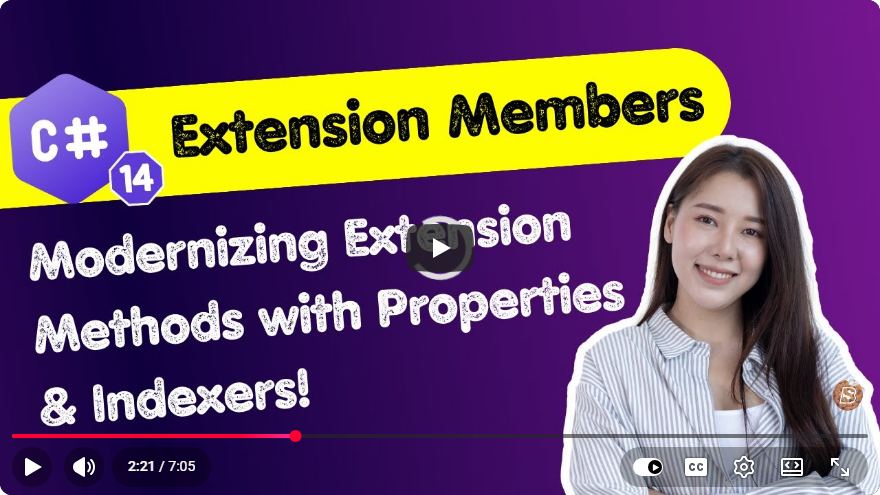
Modernizing C# with Extension Members in C# 14
C# has always been a language that evolves to meet modern programming needs, and the introduction of C# 14 is no exception. Among the most exciting features of this release is the ability to define extension members, which allows developers to enhance existing types with properties and indexers using a more elegant syntax. In this blog post, we will explore extension members, how to implement them, and the benefits they bring to your C# programming.
What are Extension Methods?
Before diving into extension members, let’s briefly revisit extension methods. Extension methods in C# allow developers to add new methods to existing types without modifying their source code. These methods are defined in static classes and are called as if they were instance methods on the type being extended.
Basic Structure of an Extension Method
Here’s a simple example of an extension method:
public static class StringExtensions
{
    public static int WordCount(this string str)
    {
        return string.IsNullOrWhiteSpace(str) ? 0 : str.Split(' ').Length;
    }
}
In this example, we have extended the string class to include a WordCount method that returns the number of words in a string.
The New Extension Members Feature in C# 14
With C# 14, Microsoft introduced extension members, allowing developers to add not just methods but also properties and indexers to existing types. This feature modernizes the way we can extend classes and provides a more intuitive syntax.
Benefits of Extension Members
- Cleaner Syntax: Extension members allow for a more natural way to extend types, making the code easier to read and maintain.
- Enhanced Functionality: Properties and indexers can provide additional functionality that was not possible with methods alone.
- Better Integration: Extension members integrate seamlessly into existing object-oriented paradigms.
Creating an Extension Property
Let’s walk through the steps to create an extension property using the new syntax introduced in C# 14.
Step 1: Define the Static Class
First, you need to define a static class where your extension property will reside.
public static class PersonExtensions
{
    // Extension property will go here
}
Step 2: Implement the Extension Property
Now you can define an extension property. Let’s say we want to add a FullName property to a Person class.
public static class PersonExtensions
{
    public static string FullName(this Person person)
    {
        return $"{person.FirstName} {person.LastName}";
    }
}
In this code, we’ve created a FullName extension property that returns the person's full name by combining their first and last names.
Creating an Extension Indexer
Extension indexers work similarly to extension properties but allow you to define indexed access to a type. Here’s how you can create an extension indexer.
Step 1: Define the Static Class
Like before, start with a static class:
public static class StringArrayExtensions
{
    // Extension indexer will go here
}
Step 2: Implement the Extension Indexer
Now, let’s create an extension indexer that allows us to get and set characters in a string using an array-like syntax.
public static class StringArrayExtensions
{
    public static char this[string str, int index]
    {
        get => str[index];
        set
        {
            char[] chars = str.ToCharArray();
            chars[index] = value;
            str = new string(chars);
        }
    }
}
With this extension indexer, you can now access characters in a string as if it were an array.
Conclusion
The introduction of extension members in C# 14 marks a significant enhancement in the way developers can extend types. By allowing properties and indexers, developers can write cleaner and more intuitive code that is easier to maintain and integrate. As you continue to explore C# 14, consider how you can leverage extension members to improve your projects.
Feel free to share your thoughts or questions in the comments below, and happy coding!
Connect with SkillBakery Studios
Explore more tutorials, tools, and resources:
Posted by SkillBakery Studios


 Hello, my name is Jack Sparrow. I'm a 50 year old self-employed Pirate from the Caribbean.
No comments:
Post a Comment