
Lecture-8: How to Find AI Models Compatible with Transformers.js
How to Find AI Models Compatible with Transformers.js
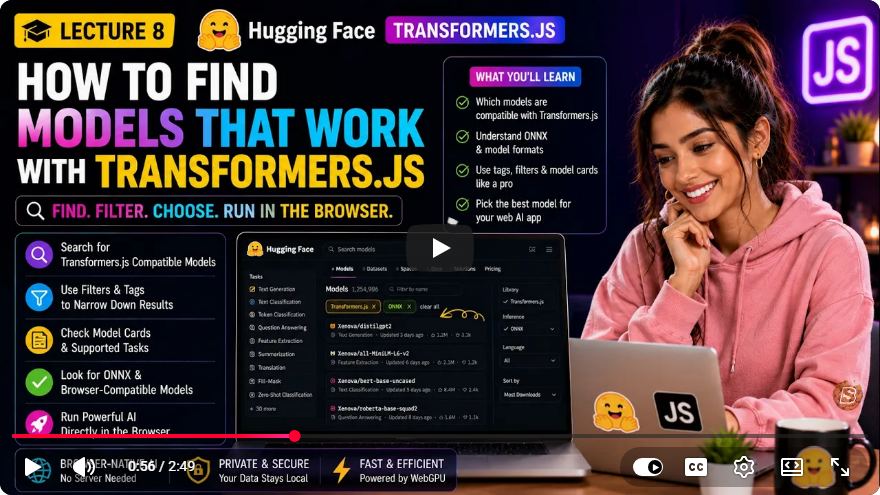
In recent years, the integration of artificial intelligence (AI) in web applications has gained significant traction. One of the most promising tools for achieving this is Transformers.js, which allows developers to run AI models directly in the browser. This tutorial will guide you through the process of finding, verifying, and deploying ONNX-compatible models from Hugging Face, ensuring that you can leverage the power of AI client-side effectively.
Understanding Transformers.js and ONNX
Before diving into the specifics, it's essential to understand the core concepts involved:
Transformers.js: A library designed for running transformer models in the browser, enabling interactive AI applications without the need for server-side processing.
ONNX (Open Neural Network Exchange): A format that allows models to be shared across different frameworks. For Transformers.js, models must be converted into ONNX format to be compatible.
Why Use ONNX?
Using ONNX provides several advantages:
- Interoperability: You can run models trained in various frameworks without having to retrain them.
- Efficiency: ONNX models are optimized for performance in different environments, including browsers.
Finding Compatible Models
Step 1: Using the Discovery Matrix
Transformers.js offers a discovery matrix to help you find models that are compatible and reliable. This matrix categorizes models based on their reliability and the effort required for deployment.
Tier 1: Official Conversion Organizations
For the most reliable models, start with organizations like:
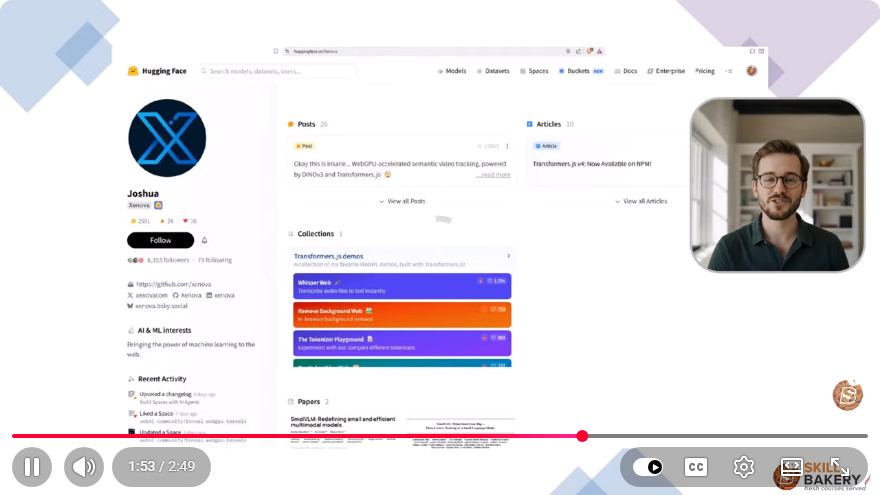
- Zenova: This organization provides a central hub for ecosystem creators, showcasing various demonstrations and resources for using Transformers.js.
- ONNX Community: A community-driven initiative that focuses on converting popular models into ONNX format and maintaining essential tools like model visualizers.
Models from these organizations are typically well-prepared and are a safe starting point for your projects.
Tier 2: Surgical Filtering with Hugging Face
If you’re looking for models beyond the official organizations, you can leverage the Hugging Face platform:
- Search Bar Filtering: Use the search bar on Hugging Face to apply specific filters that isolate models with browser-compatible architectures.
- Select Libraries and Parameters: Tailor your search results to find models that best fit your project’s needs.
Step 2: Inspecting Model Details
When you find a model of interest, it’s crucial to verify its compatibility:
- Model Card Payload: Check for an ONNX extension and explicit mentions of Transformers.js. This ensures the model is compatible with your needs.
- JavaScript Execution Examples: If the model card includes examples of native JavaScript execution, it indicates that the model is verified safe for deployment.
Understanding the First-Run Phenomenon
When you first run your code in the browser:
- The necessary ONNX weights will be fetched and downloaded into the local cache.
- Subsequent runs will utilize these cached files, resulting in improved performance.
This caching mechanism is vital for efficient AI processing in the browser.
Consult the Documentation
For the most up-to-date information and support:
- Always refer to the official Transformers.js documentation repository. This resource contains the definitive list of fully supported tasks and model architectures.
Deployment Pipeline Overview
To successfully deploy your AI model in the browser, follow these four steps:
- Source Models: Start with trusted organizations like Zenova or the ONNX Community.
- Verify Compatibility: Ensure that the model is suitable for your tasks and supports JavaScript execution.
- Optimize Size: Consider selecting smaller models for better performance and quicker load times.
- Execute Once: Run the model in your browser to prime the cache for subsequent uses.
Getting Started: A Curated Starter Kit
To help you kickstart your journey with client-side AI, we’ve curated a starter kit covering various tasks:
- Sentiment Analysis
- Translation
- Summarization
Choose a model from the starter kit, integrate it into your application, and begin deploying AI directly in the browser.
Conclusion
Transformers.js opens up exciting possibilities for integrating AI into web applications. By following this guide, you can effectively find and deploy ONNX-compatible models, ensuring that your browser-based AI solutions are both robust and efficient.
Ready to unlock your potential? Start exploring the world of client-side AI with Transformers.js today! If you found this tutorial helpful, don't forget to like and subscribe for more insights on AI and technology.
Connect with SkillBakery Studios
Explore more tutorials, tools, and resources:
Posted by SkillBakery Studios


 Hello, my name is Jack Sparrow. I'm a 50 year old self-employed Pirate from the Caribbean.
No comments:
Post a Comment