
Master TypeScript : Introduction - Web Development
Master TypeScript: An Introduction to Web Development
In the world of web development, having a solid understanding of programming languages is essential. TypeScript has emerged as a powerful tool for developers, adding features that enhance JavaScript and provide a more robust development experience. In this blog post, we'll explore the fundamentals of TypeScript, its benefits, and how you can get started with it, all inspired by the introductory YouTube video titled "Master TypeScript: Introduction - Web Development."
What is TypeScript?
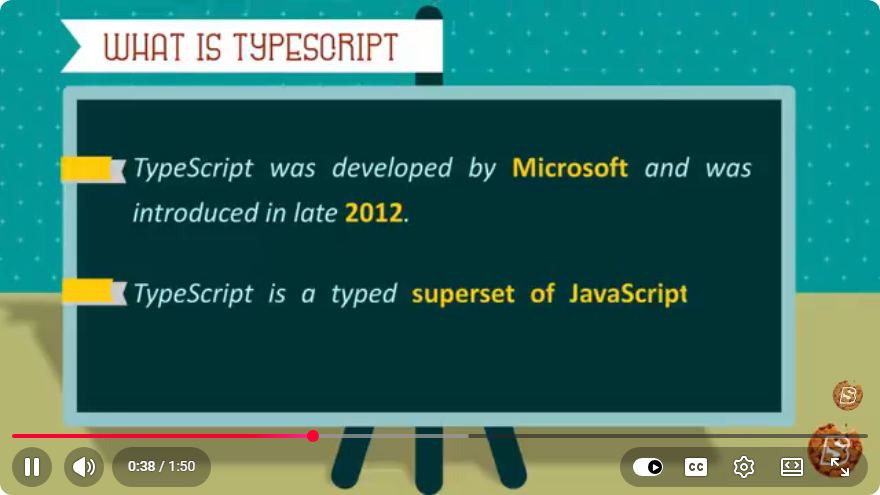
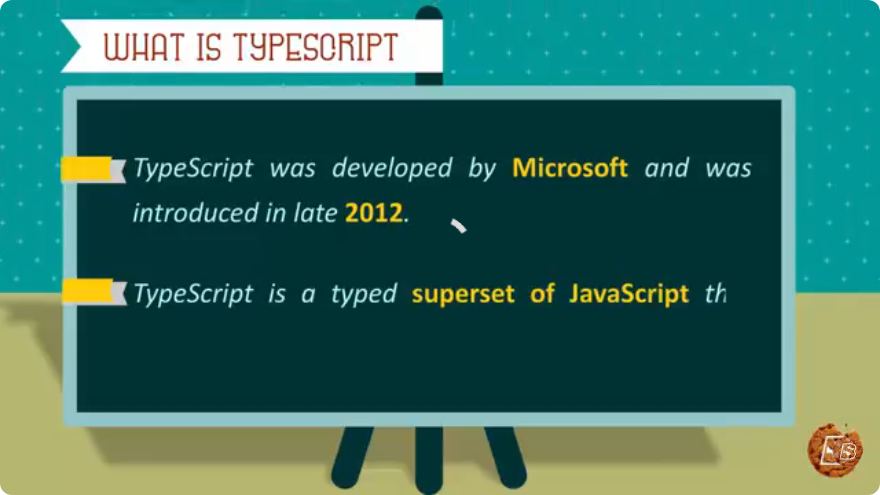
TypeScript is a superset of JavaScript developed by Microsoft. It builds upon JavaScript by adding optional static types, interfaces, and other advanced features. This allows developers to catch errors at compile time rather than runtime, leading to more maintainable and scalable code. TypeScript is especially beneficial for large codebases where the complexity can become challenging to manage.
Key Features of TypeScript
Static Typing: TypeScript allows you to define types for your variables, function parameters, and return values. This feature helps catch errors early in the development process.
let greeting: string = "Hello, TypeScript!";Interfaces: With TypeScript, you can define interfaces to describe the shape of objects. This makes it easier to work with complex data structures.
interface User {
    id: number;
    name: string;
    email: string;
}

const user: User = {
    id: 1,
    name: "Alice",
    email: "alice@example.com"
};
Classes and Inheritance: TypeScript supports object-oriented programming principles like classes and inheritance, making it easier to create and manage complex applications.
class Animal { constructor(public name: string) {} move(distanceInMeters: number) { console.log(`${this.name} moved ${distanceInMeters}m.`); } } class Dog extends Animal { bark() { console.log("Woof! Woof!"); } }Generics: Generics provide a way to create reusable components that work with any data type, increasing code flexibility.
function identity<T>(arg: T): T {
    return arg;
}

let output = identity<string>("myString");
Why Use TypeScript?
TypeScript offers several advantages that can significantly improve your development workflow:
- Enhanced Code Quality: Static typing helps identify potential issues before running the code, reducing the likelihood of runtime errors.
- Improved Editor Support: Many IDEs provide better autocompletion and refactoring tools for TypeScript, making development more efficient.
- Compatibility with JavaScript: Since TypeScript is a superset of JavaScript, you can gradually adopt it in existing JavaScript projects without major rewrites.
- Large Community and Ecosystem: TypeScript has a strong community and excellent support from various libraries and frameworks, such as Angular and React.
Getting Started with TypeScript
To begin using TypeScript, follow these steps:
Step 1: Install TypeScript
You can install TypeScript globally on your machine using npm (Node Package Manager). Open your terminal and run:
npm install -g typescript
Step 2: Create a TypeScript File
Create a new file with the .ts extension. For example, app.ts.
Step 3: Write Your First TypeScript Code
Open app.ts in your text editor, and write a simple TypeScript program:
let message: string = "Welcome to TypeScript!";
console.log(message);
Step 4: Compile TypeScript to JavaScript
TypeScript needs to be compiled to JavaScript before it can be run in a browser or Node.js environment. You can do this using the TypeScript compiler:
tsc app.ts
This command will create an app.js file, which contains the compiled JavaScript code.
Step 5: Run Your JavaScript Code
You can now run the JavaScript file in the terminal using Node.js:
node app.js
You should see the output:
Welcome to TypeScript!
Conclusion
TypeScript is a powerful tool that can significantly enhance your web development projects. By adding static typing, interfaces, and other advanced features, it helps you write cleaner and more maintainable code. Whether you're building small applications or large-scale systems, TypeScript can help you streamline your development process.
If you're interested in diving deeper into TypeScript, consider exploring its advanced features and best practices. Happy coding!
Connect with SkillBakery Studios
Explore more tutorials, tools, and resources:
Posted by SkillBakery Studios


 Hello, my name is Jack Sparrow. I'm a 50 year old self-employed Pirate from the Caribbean.
No comments:
Post a Comment