
React-Native: Introduction to React Native 2 minutes
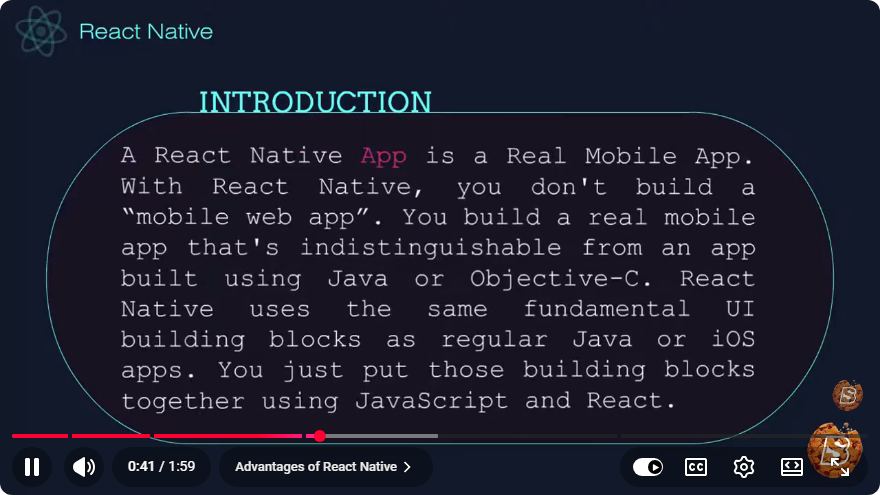
Introduction to React Native in 2 Minutes
React Native is an open-source framework developed by Facebook that allows developers to build mobile applications using JavaScript and React. In this blog post, we'll explore the core concepts of React Native, its benefits, and how to get started in just a few minutes.
What is React Native?
React Native enables developers to create applications for both iOS and Android platforms using a single codebase. Unlike traditional mobile app development, which requires separate code for each platform, React Native allows for a more efficient development process.
Key Features
- Cross-Platform Development: Write once, run anywhere. React Native lets you share common code across iOS and Android.
- Native Components: React Native uses native components instead of web components, providing a more authentic user experience.
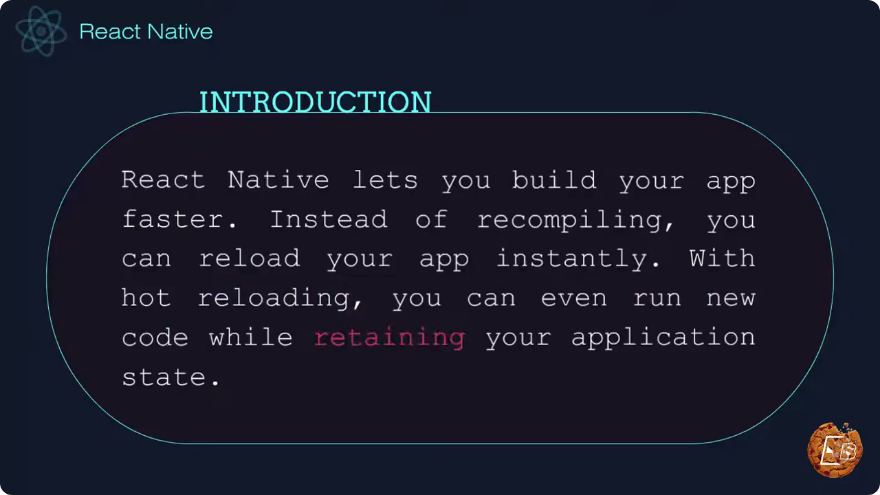
- Hot Reloading: This feature allows developers to instantly see the results of the latest change without losing the state of the app.
- Large Community: With a vast community of developers and extensive libraries, finding resources and support is relatively easy.
Benefits of React Native
- Fast Development: With a single codebase and reusable components, development time is significantly reduced.
- Performance: Utilizing native components enhances the performance of mobile applications compared to hybrid frameworks.
- Cost-Effective: Companies can save on development costs by maintaining a single team for both platforms.
Getting Started with React Native
To start developing with React Native, you need to set up your development environment.
Prerequisites
Node.js: Ensure you have Node.js installed. You can download it from Node.js official website.
Watchman: A tool by Facebook for watching changes in the filesystem. You can install it using Homebrew on macOS:
brew install watchmanReact Native CLI: Install the React Native CLI globally:
npm install -g react-native-cli
Creating a New Project
To create a new React Native project, run the following command:
npx react-native init MyFirstApp
This command creates a new directory called MyFirstApp, which contains all the files and dependencies needed to start your project.
Running Your Application
Once your project is created, navigate into your project directory:
cd MyFirstApp
To run the application on iOS, use:
npx react-native run-ios
For Android, ensure that you have an Android emulator running or a device connected, and use:
npx react-native run-android
Understanding the Project Structure
App.js: The main component of your React Native application.index.js: The entry point for the app, which registers the main component.android/andios/: Platform-specific code and configurations.
Building a Simple Component
Here’s a quick example of a simple React Native component:
import React from 'react';
import { Text, View, StyleSheet } from 'react-native';

const App = () => {
  return (
    <View style={styles.container}>
      <Text style={styles.text}>Hello, React Native!</Text>
    </View>
  );
};

const styles = StyleSheet.create({
  container: {
    flex: 1,
    justifyContent: 'center',
    alignItems: 'center',
    backgroundColor: '#F5FCFF',
  },
  text: {
    fontSize: 20,
    color: '#333',
  },
});

export default App;
Explanation of the Code
- Importing Modules: The code imports React and necessary components like
Text,View, andStyleSheetfromreact-native. - Creating a Component: The
Appfunction defines a simple component that returns aViewcontaining aTextelement. - Styling: Styles are created using
StyleSheet.create()for better performance.
Conclusion
React Native is a powerful framework that simplifies mobile app development by allowing you to create cross-platform applications using JavaScript and React. With its fast development cycle, native performance, and large community support, it's an excellent choice for developers looking to streamline their workflow.
Now that you have a brief introduction to React Native, you can dive deeper into its functionalities and start building your own mobile applications! For further resources, consider checking out the official React Native documentation. Happy coding!
Connect with SkillBakery Studios
Explore more tutorials, tools, and resources:
Posted by SkillBakery Studios


 Hello, my name is Jack Sparrow. I'm a 50 year old self-employed Pirate from the Caribbean.
No comments:
Post a Comment