
Vue.js 101 : Effortlessly Manipulating Child Components with Vue.js Child Component Refs
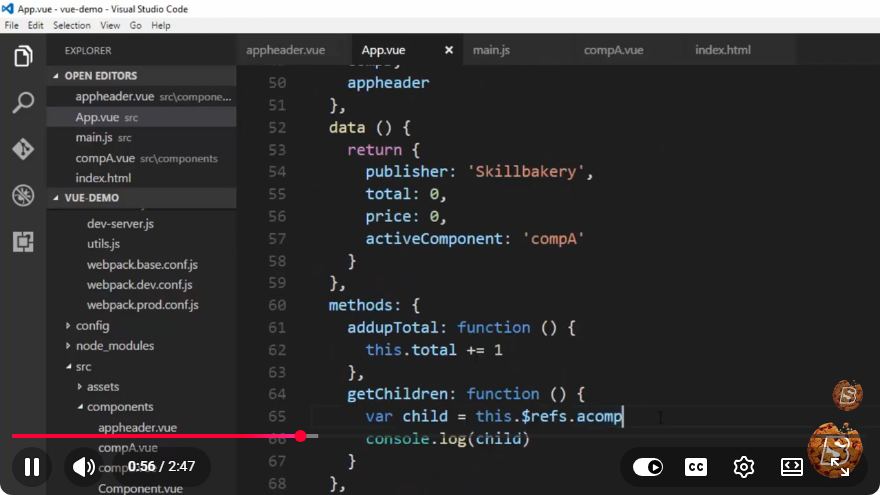
Vue.js 101: Effortlessly Manipulating Child Components with Vue.js Child Component Refs
In the world of modern web development, Vue.js has emerged as one of the most popular JavaScript frameworks for building user interfaces. One of its powerful features is the ability to manage child components effectively. In this blog post, we'll dive into how to manipulate child components using Vue.js child component refs. This tutorial will guide you step-by-step through the concept, implementation, and practical examples.
What are Refs in Vue.js?
In Vue.js, a ref is a special attribute that allows you to register a reference to a DOM element or a child component instance. This is particularly useful when you want to directly access or manipulate a component or DOM element without relying solely on data binding.
Why Use Refs?
Refs provide a straightforward way to:
- Access DOM elements or component instances directly.
- Call methods or modify data in child components.
- Improve performance by avoiding unnecessary re-renders.
Setting Up Your Vue.js Project
Before we dive into manipulating child components, make sure you have a basic Vue.js project set up. If you haven't already, you can create a new Vue project using Vue CLI:
vue create my-vue-app
cd my-vue-app
npm run serve
Creating Child Components
Let’s create a simple child component named ChildComponent.vue. This component will contain a method that can be triggered from its parent.
ChildComponent.vue
<template>
  <div>
    <h2 ref="header">{{ title }}</h2>
    <p>This is the child component.</p>
  </div>
</template>

<script>
export default {
  data() {
    return {
      title: "Hello from Child Component"
    };
  },
  methods: {
    changeTitle(newTitle) {
      this.title = newTitle;
    },
    focusHeader() {
      this.$refs.header.focus();
    }
  }
};
</script>

<style scoped>
h2 {
  cursor: pointer;
}
</style>
Using the Child Component in the Parent
Now, we will create a parent component that will utilize the ChildComponent and demonstrate how to manipulate it using refs.
ParentComponent.vue
<template>
  <div>
    <ChildComponent ref="childComp" />
    <button @click="updateChildTitle">Update Child Title</button>
    <button @click="focusChildHeader">Focus on Header</button>
  </div>
</template>

<script>
import ChildComponent from './ChildComponent.vue';

export default {
  components: {
    ChildComponent
  },
  methods: {
    updateChildTitle() {
      this.$refs.childComp.changeTitle("New Title from Parent");
    },
    focusChildHeader() {
      this.$refs.childComp.focusHeader();
    }
  }
};
</script>
Explanation of the Code
ChildComponent.vue:
- We define a simple child component with a title and two methods:
changeTitleandfocusHeader. - The
refattribute is attached to the<h2>element so that we can manipulate it directly.
- We define a simple child component with a title and two methods:
ParentComponent.vue:
- We import
ChildComponentand register it within thecomponentssection. - Two buttons call the methods defined in the child component using
this.$refs.childComp.
- We import
Running the Application
After implementing the code, run your Vue application:
npm run serve
Open your browser and navigate to http://localhost:8080 (or the port specified). You should see the child component with a title and two buttons below it. When you click "Update Child Title," the title in the child component will change. Clicking "Focus on Header" will set focus on the header.
Conclusion
In this tutorial, we explored how to manipulate child components in Vue.js using refs. This powerful feature allows for direct interaction with child components, providing flexibility and enhancing the user experience. By leveraging refs, developers can efficiently manage component state and behavior, making Vue.js an excellent choice for building dynamic applications.
Feel free to experiment further by adding more methods to the child component or creating more complex interactions! Happy coding!
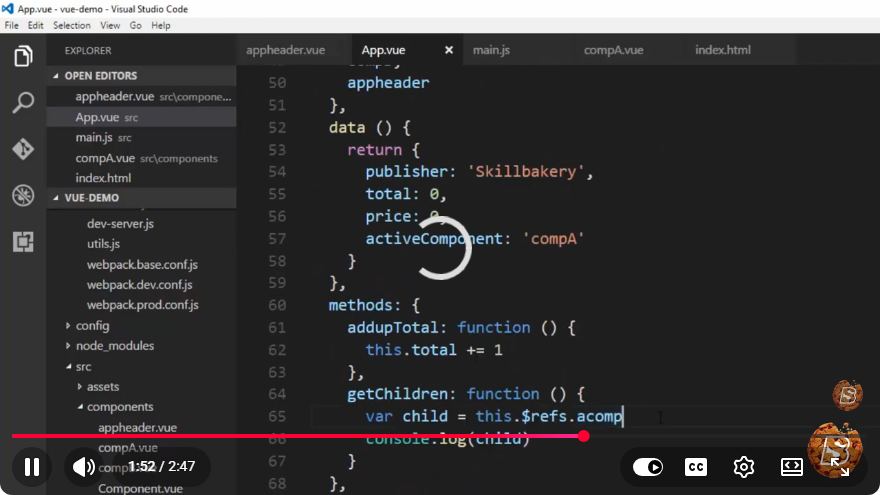
Connect with SkillBakery Studios
Explore more tutorials, tools, and resources:
Posted by SkillBakery Studios


 Hello, my name is Jack Sparrow. I'm a 50 year old self-employed Pirate from the Caribbean.
No comments:
Post a Comment