
Vue.js 101 : Simplifying Vue.js Component Design with inline-template and x-template
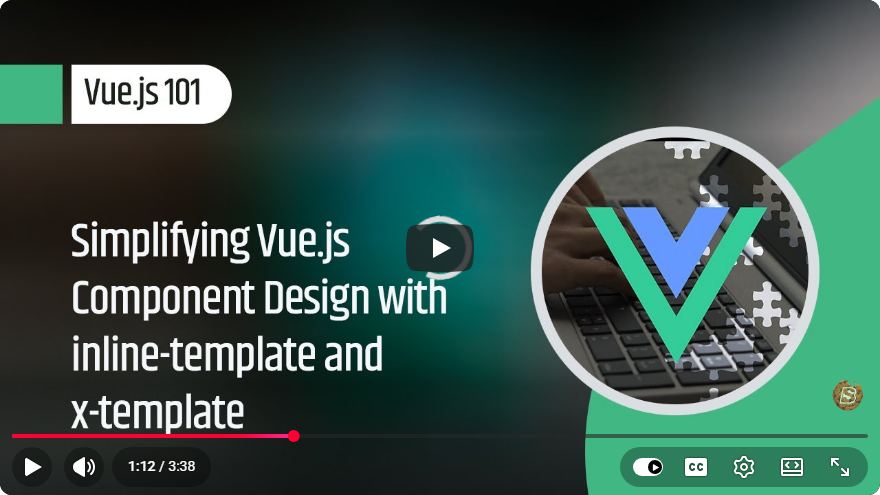
Vue.js 101: Simplifying Vue.js Component Design with Inline-Template and X-Template
Vue.js is a progressive JavaScript framework that is particularly well-suited for building user interfaces and single-page applications. One of the core concepts of Vue is the use of components, which allow you to encapsulate functionality and reuse code efficiently. In this blog post, we will explore how to simplify Vue.js component design using inline templates and x-templates, based on insights from the video "Vue.js 101: Simplifying Vue.js Component Design with inline-template and x-template."
What Are Inline Templates?
Inline templates in Vue.js allow you to define the template directly within the component's HTML. This is particularly useful for small components where creating a separate file for the template might seem unnecessary.
Benefits of Inline Templates
- Conciseness: For simpler components, inline templates reduce the need for additional files, making the code easier to manage.
- Readability: Keeping the template and the logic in the same place can enhance readability, especially for new developers.
- Quick Prototyping: Inline templates enable rapid development and prototyping by allowing you to quickly see changes in the UI.
Example of Inline Templates
Here’s a basic example to demonstrate how to use an inline template in Vue.js:
<div id="app">
  <example-component inline-template>
    <div>
      <h1>Hello, {{ name }}!</h1>
      <button @click="changeName">Change Name</button>
    </div>
  </example-component>
</div>

<script>
Vue.component('example-component', {
  data() {
    return {
      name: 'Vue.js',
    };
  },
  methods: {
    changeName() {
      this.name = 'Inline Template Example';
    },
  },
});

new Vue({
  el: '#app',
});
</script>
In this example, the example-component uses an inline template to display a greeting message and a button to change the name. The template is defined directly within the HTML, making it straightforward to follow.
What Are X-Templates?
X-templates are another way to define templates in Vue.js. They allow you to create templates within <script> tags with a specific type of "text/x-template." This method is especially useful for larger components or when you want to keep your HTML clean.
Benefits of X-Templates
- Separation of Concerns: X-templates help separate the HTML structure from the JavaScript logic, making your code cleaner and more organized.
- Reusable Components: You can define templates that can be reused across different components or applications.
- Improved Maintainability: Keeping templates in script tags can simplify maintenance, especially in larger applications where many components exist.
Example of X-Templates
Here’s how to use x-templates in Vue.js:
<div id="app">
  <example-component></example-component>
</div>

<script type="text/x-template" id="example-template">
  <div>
    <h1>Hello, {{ name }}!</h1>
    <button @click="changeName">Change Name</button>
  </div>
</script>

<script>
Vue.component('example-component', {
  template: '#example-template',
  data() {
    return {
      name: 'Vue.js',
    };
  },
  methods: {
    changeName() {
      this.name = 'X-Template Example';
    },
  },
});

new Vue({
  el: '#app',
});
</script>
In this example, the template for example-component is defined in a script tag with the type "text/x-template." This keeps the HTML cleaner and allows for a more organized structure.
When to Use Inline Templates vs. X-Templates
Choosing between inline templates and x-templates largely depends on the complexity and reusability of your components:
- Use Inline Templates for small, simple components that are unlikely to be reused elsewhere.
- Use X-Templates for larger components or when you want to maintain a clean separation between your HTML and JavaScript logic.
Conclusion
Understanding how to utilize inline templates and x-templates in Vue.js can greatly simplify your component design process. By leveraging these techniques, you can enhance the readability, maintainability, and efficiency of your code.
As you continue your journey with Vue.js, remember that these tools are just a part of the broader ecosystem. Keep exploring the extensive features Vue has to offer, and happy coding!
For a deeper understanding, be sure to check out the original video here.
Connect with SkillBakery Studios
Explore more tutorials, tools, and resources:
Posted by SkillBakery Studios


 Hello, my name is Jack Sparrow. I'm a 50 year old self-employed Pirate from the Caribbean.
No comments:
Post a Comment