
Vue.js 101 : The Unidirectional Data Flow Model in Vue.js: A Comprehensive Explanation
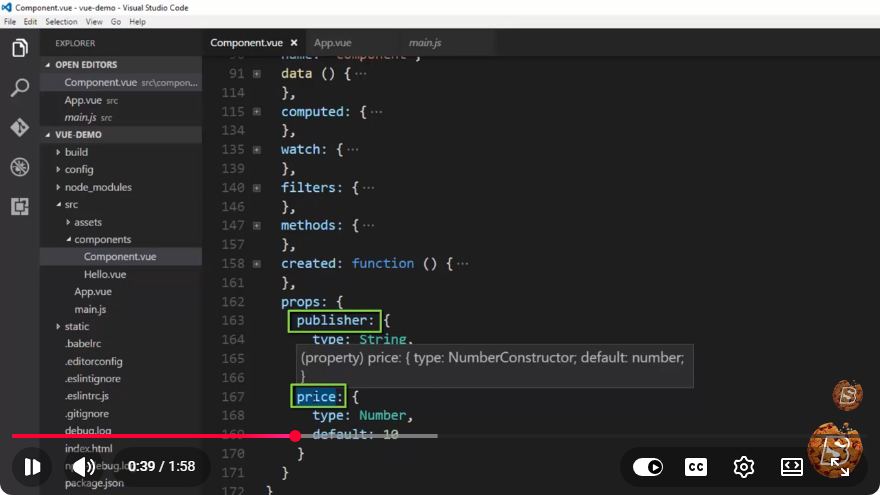
Vue.js 101: Understanding the Unidirectional Data Flow Model
In the world of modern web development, frameworks like Vue.js have made it easier to build interactive applications. One of the core principles that underpin Vue.js is the concept of unidirectional data flow. This blog post will provide a comprehensive explanation of this model, its importance, and how it works in Vue.js.
What is Unidirectional Data Flow?
Unidirectional data flow refers to the pattern of data movement within an application, where data flows in a single direction—from parent components to child components. This approach contrasts with bidirectional data flow, where data can flow in both directions.
Benefits of Unidirectional Data Flow
Predictability: Unidirectional data flow makes it easier to understand how data is managed and manipulated within an application. Changes to data are centralized and follow a structured path, making it easier to trace bugs.
Debugging Ease: Since data changes are predictable, developers can quickly identify where and why data changes occur, leading to more efficient debugging.
State Management: With a clear flow of data, managing the state of components becomes simpler. You can rely on a single source of truth for your application's data.
How Unidirectional Data Flow Works in Vue.js
In Vue.js, the unidirectional data flow model is implemented using the following core concepts:
1. Props
Props are a mechanism for passing data from a parent component to a child component. They are read-only, meaning that child components cannot modify the data they receive. This enforces the unidirectional flow of data.
// ParentComponent.vue
<template>
  <ChildComponent :message="parentMessage" />
</template>

<script>
export default {
  data() {
    return {
      parentMessage: 'Hello from Parent!',
    };
  },
};
</script>

// ChildComponent.vue
<template>
  <div>{{ message }}</div>
</template>

<script>
export default {
  props: {
    message: String,
  },
};
</script>
In the example above, ParentComponent passes a message to ChildComponent via props. The child can display the message but cannot alter it.
2. Events
To communicate back to the parent component, child components emit events. This allows child components to send messages or alerts back up the chain without changing the data directly.
// ChildComponent.vue
<template>
  <button @click="notifyParent">Notify Parent</button>
</template>

<script>
export default {
  methods: {
    notifyParent() {
      this.$emit('childEvent', 'Hello from Child!');
    },
  },
};
</script>

// ParentComponent.vue
<template>
  <ChildComponent @childEvent="handleChildEvent" />
</template>

<script>
export default {
  methods: {
    handleChildEvent(message) {
      console.log(message); // Output: Hello from Child!
    },
  },
};
</script>
In this example, the child emits an event when the button is clicked, and the parent listens for this event to execute a specific method.
3. Vuex for State Management
For larger applications, managing state can become complex. Vuex, the state management library for Vue.js, adheres to the unidirectional data flow model by centralizing and controlling the application's state.
// store.js
import Vue from 'vue';
import Vuex from 'vuex';

Vue.use(Vuex);

export default new Vuex.Store({
  state: {
    message: 'Hello from Vuex!',
  },
  mutations: {
    updateMessage(state, newMessage) {
      state.message = newMessage;
    },
  },
});
In this Vuex store, the state is maintained in a single location, and mutations are used to modify it. This ensures that all components access and update the state through defined methods, preserving the unidirectionality of data flow.
Conclusion
Understanding the unidirectional data flow model is crucial for effectively using Vue.js. By leveraging props, events, and state management tools like Vuex, developers can create predictable and maintainable applications. This model not only enhances the clarity of data interactions but also simplifies debugging and state management, making it a powerful feature in the Vue.js ecosystem.
If you're new to Vue.js, keep experimenting with these concepts as you build your applications. The more you practice, the more intuitive unidirectional data flow will become!
Connect with SkillBakery Studios
Explore more tutorials, tools, and resources:
Posted by SkillBakery Studios


 Hello, my name is Jack Sparrow. I'm a 50 year old self-employed Pirate from the Caribbean.
No comments:
Post a Comment