
Web Developers : 21-Utilize the Supabase Service Key to Circumvent Row Level Security
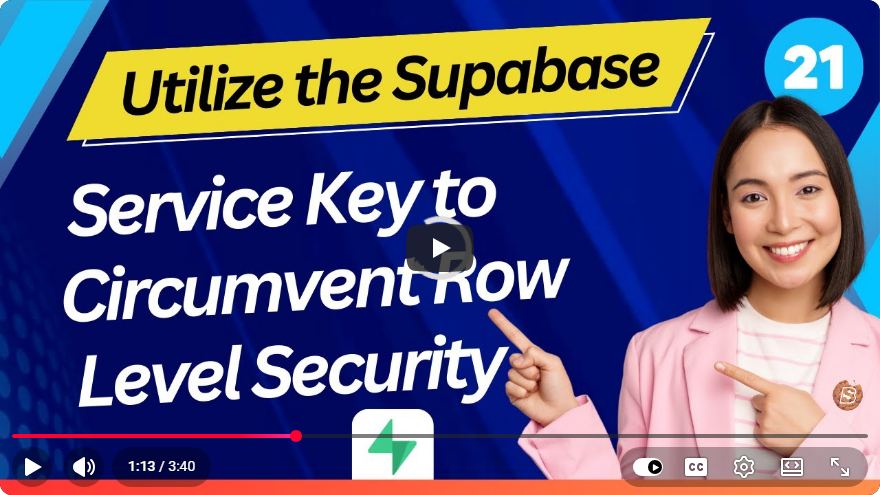
Utilizing the Supabase Service Key to Circumvent Row Level Security
In the realm of web development, security is a paramount concern, especially when handling sensitive data. Supabase, an open-source Firebase alternative, introduces Row Level Security (RLS) to manage access control at the row level in your database. However, there are situations where you might need to bypass these restrictions for administrative purposes or specific workflows. In this tutorial, we will explore how to utilize the Supabase Service Key to circumvent Row Level Security effectively and safely.
Understanding Row Level Security (RLS)
Row Level Security is a database feature that allows you to define policies that restrict which rows can be accessed by which users. By implementing RLS, developers can ensure that users only see and interact with the data that they are authorized to access. This is particularly useful in multi-tenant applications or when handling sensitive user data.
Why Use the Service Key?
The Supabase Service Key is a powerful tool that provides unrestricted access to your Supabase project. It is crucial to understand that using the service key should be done with caution, as it bypasses the security mechanisms in place. This key is typically used for backend operations, such as administrative tasks, where full access to the database is necessary.
Prerequisites
Before we dive into using the Supabase Service Key, ensure you have the following:
- A Supabase account and a project set up.
- Basic knowledge of SQL and Supabase.
- The Supabase client library installed in your project.
You can install the Supabase client library using npm:
npm install @supabase/supabase-js
Steps to Utilize the Supabase Service Key
Step 1: Locate Your Service Key
First, you need to find your Supabase Service Key. Here’s how:
- Log in to your Supabase account.
- Navigate to the project you want to work on.
- Go to the “Settings” section.
- Under “API,” you will find your service role key. Copy this key for use in your application.
Step 2: Initialize Supabase with the Service Key
Now, you need to initialize the Supabase client using the service key. Here’s how to do that in JavaScript:
import { createClient } from '@supabase/supabase-js';

// Replace with your Supabase URL and Service Key
const supabaseUrl = 'https://your-project.supabase.co';
const serviceKey = 'your-service-role-key';

const supabase = createClient(supabaseUrl, serviceKey);
Step 3: Bypass RLS Policies
With the Supabase client initialized using the service key, you can now access and manipulate data without the constraints of Row Level Security. Here’s an example of how to fetch all rows from a table, regardless of the RLS policies in place:
async function fetchAllRows() {
    const { data, error } = await supabase
        .from('your_table_name')
        .select('*');

    if (error) {
        console.error('Error fetching data:', error);
    } else {
        console.log('Data:', data);
    }
}

fetchAllRows();
Step 4: Use Caution
While the ability to bypass RLS is powerful, it should be used judiciously. Here are some best practices:
- Limit the use of the Service Key: Only use the service key for administrative tasks or in trusted environments.
- Avoid exposing the Service Key: Never expose your service key in client-side code that can be accessed by users.
- Implement Logging and Monitoring: Keep track of actions performed using the service key to maintain accountability.
Conclusion
Circumventing Row Level Security in Supabase using the Service Key can be a valuable technique for specific scenarios, especially when you need to perform administrative tasks. However, it is essential to understand the implications of bypassing security measures and to use this power responsibly. By following the steps outlined in this tutorial, you can effectively utilize the Supabase Service Key while maintaining a secure application environment.
For more in-depth learning and practical use cases, feel free to explore the Supabase documentation and experiment with the various features it offers!
Connect with SkillBakery Studios
Explore more tutorials, tools, and resources:
Posted by SkillBakery Studios


 Hello, my name is Jack Sparrow. I'm a 50 year old self-employed Pirate from the Caribbean.
No comments:
Post a Comment