
Web Development: Laravel - Introduction 51 seconds
Introduction to Laravel: A Quick Overview
Web development has evolved significantly over the years, with numerous frameworks available to streamline the process of building robust and scalable applications. Among these frameworks, Laravel stands out due to its elegant syntax, powerful features, and an active community. In this blog post, we’ll provide a concise introduction to Laravel, its core concepts, and why it might be the right choice for your next web development project.
What is Laravel?
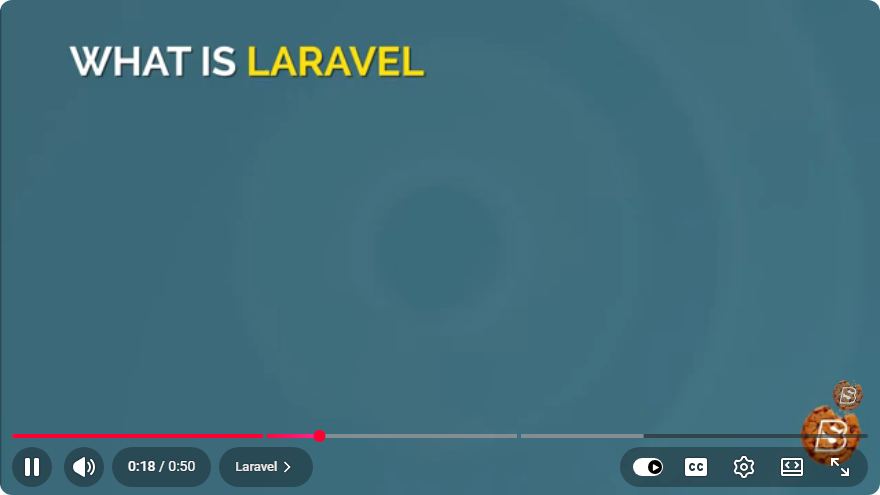
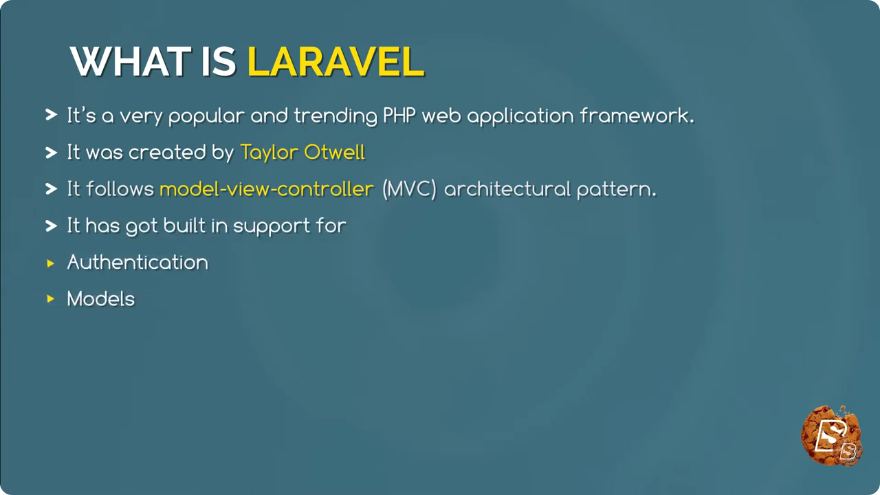
Laravel is an open-source PHP framework created by Taylor Otwell in 2011. It is designed to make the development process more enjoyable and efficient by providing an expressive syntax and a set of tools that simplify common tasks. Laravel follows the Model-View-Controller (MVC) architectural pattern, which helps in maintaining a clean separation of concerns in web applications.
Key Features of Laravel
1. Elegant Syntax
Laravel is known for its clean and expressive syntax, which allows developers to write code that is easy to read and understand. This feature enhances productivity and reduces the learning curve for new developers.
2. Routing
Laravel offers a simple yet powerful routing system that allows developers to define application routes easily. You can define your web routes in the routes/web.php file, making it straightforward to manage and organize your application’s URL structure.
// Example of a simple route in Laravel
Route::get('/hello', function () {
    return 'Hello, World!';
});
3. Eloquent ORM
Eloquent is Laravel's built-in Object-Relational Mapping (ORM) system. It provides an easy way to interact with your database using PHP syntax instead of raw SQL queries. This makes database operations more intuitive and less error-prone.
// Example of using Eloquent to retrieve data
$users = User::all();
4. Blade Templating Engine
Laravel includes a powerful templating engine called Blade. Blade allows developers to create dynamic content with minimal effort. It supports template inheritance, sections, and control structures, enabling a clean way to manage views.
<!-- Example of a Blade template -->
@extends('layouts.app')

@section('content')
    <h1>Welcome to Laravel!</h1>
@endsection
5. Middleware
Middleware in Laravel provides a convenient mechanism for filtering HTTP requests entering your application. This feature is useful for tasks such as authentication, logging, and CORS (Cross-Origin Resource Sharing).
6. Artisan Command Line Interface
Laravel comes with a built-in command-line interface called Artisan, which allows developers to automate repetitive tasks, such as creating controllers, models, and migrations. This can significantly speed up the development process.
# Example of creating a new controller using Artisan
php artisan make:controller UserController
Getting Started with Laravel
To get started with Laravel, you need to have PHP and Composer installed on your system. You can then create a new Laravel project using the following command:
composer create-project --prefer-dist laravel/laravel my-laravel-app
Once the installation is complete, navigate into the project directory and start the local development server with:
cd my-laravel-app
php artisan serve
Your Laravel application will be accessible at http://localhost:8000.
Conclusion
Laravel is a powerful PHP framework that simplifies web development through its elegant syntax, robust features, and active community. Whether you are a beginner or an experienced developer, Laravel provides the tools necessary to build modern web applications efficiently. By leveraging Laravel’s capabilities, you can focus more on building great applications and less on repetitive tasks.
For more in-depth information about Laravel, consider checking out the official documentation at laravel.com/docs or exploring online courses and tutorials. Happy coding!
Connect with SkillBakery Studios
Explore more tutorials, tools, and resources:
Posted by SkillBakery Studios


 Hello, my name is Jack Sparrow. I'm a 50 year old self-employed Pirate from the Caribbean.
No comments:
Post a Comment