
Web Development - PHP Advance : Validation Part I
Web Development: PHP Advanced - Validation (Part I)
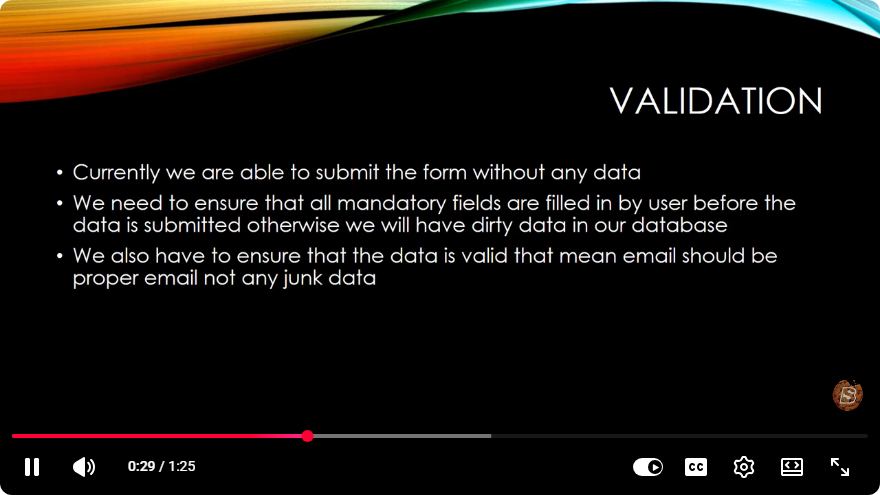
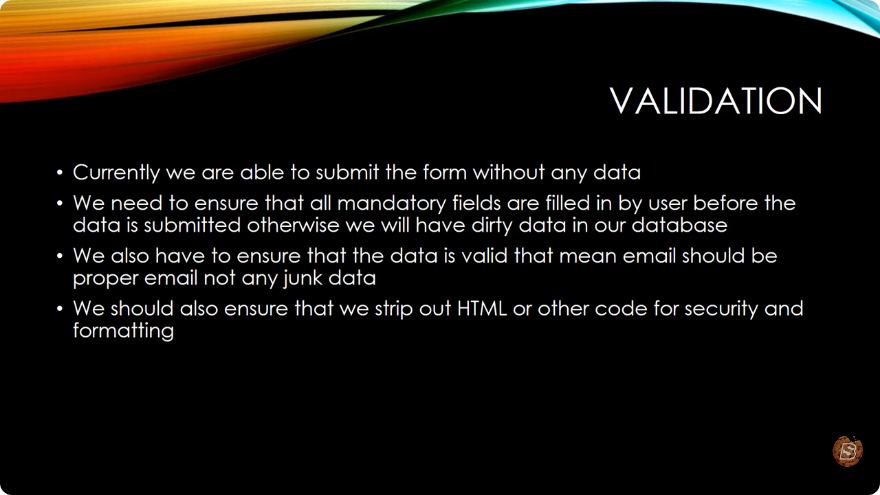
In the realm of web development, data validation is an essential aspect that ensures the integrity, accuracy, and security of user inputs. This blog post is designed to guide you through the fundamentals of validation in PHP, particularly focusing on methods and best practices. We'll break down the critical concepts covered in the video "Web Development - PHP Advanced: Validation Part I".
What is Data Validation?
Data validation is the process of ensuring that user inputs are accurate, complete, and secure before processing them on the server-side. It helps prevent malicious attacks, such as SQL injection or cross-site scripting (XSS), by ensuring that the data adheres to defined formats and rules.
Why is Validation Important?
- Security: Protects your application from harmful data.
- Data Integrity: Ensures that the data complies with the required formats and types.
- User Experience: Improves user interaction by providing immediate feedback on input errors.
Types of Validation in PHP
Validation in PHP can be categorized into two main types: Client-side validation and Server-side validation.
Client-side Validation
Client-side validation is executed in the user's browser before the data is sent to the server. This can be achieved using JavaScript or HTML5 built-in validation attributes. While it enhances user experience by providing immediate feedback, it should not be solely relied on due to potential bypassing by users.
Server-side Validation
Server-side validation occurs after the data has been submitted to the server. This is crucial as it acts as the last line of defense against invalid or malicious input. PHP provides various methods to validate data effectively.
Basic PHP Validation Techniques
Let's explore some essential validation techniques using PHP.
1. Checking Required Fields
You can check if a field is empty using the empty() function. Here’s a simple example:
if (empty($_POST['username'])) {
    echo 'Username is required.';
}
2. Validating Email Addresses
To validate email addresses, you can use the built-in filter_var() function:
$email = $_POST['email'];
if (!filter_var($email, FILTER_VALIDATE_EMAIL)) {
    echo 'Invalid email format.';
}
3. Validating Strings
For string validation, you may want to enforce length checks. Here’s how you can do that:
if (strlen($_POST['password']) < 6) {
    echo 'Password must be at least 6 characters long.';
}
4. Validating Numeric Input
To ensure a value is numeric, you can use the is_numeric() function:
$age = $_POST['age'];
if (!is_numeric($age)) {
    echo 'Age must be a number.';
}
Best Practices for Data Validation
- Always Validate on the Server-Side: Never rely solely on client-side validation.
- Provide User Feedback: Inform users about any validation errors clearly.
- Sanitize Input: Always sanitize input data to prevent SQL injection and other attacks.
- Use Prepared Statements: When dealing with databases, use prepared statements to secure your queries.
Conclusion
Validation is a fundamental part of PHP web development that cannot be overlooked. By implementing proper validation techniques, you can enhance the security, integrity, and usability of your applications. This first part of our validation tutorial has covered the basics, and in future posts, we will dive deeper into advanced validation techniques and best practices.
If you're looking to learn more about validation or have any questions, feel free to leave a comment below!
References
Stay tuned for the next part, where we will explore more complex validation scenarios and how to handle them efficiently!
Connect with SkillBakery Studios
Explore more tutorials, tools, and resources:
Posted by SkillBakery Studios


 Hello, my name is Jack Sparrow. I'm a 50 year old self-employed Pirate from the Caribbean.
No comments:
Post a Comment