
Web Development Roadmap 2026 (Day 2): HTML, CSS, or JavaScript — What Should You Learn First?
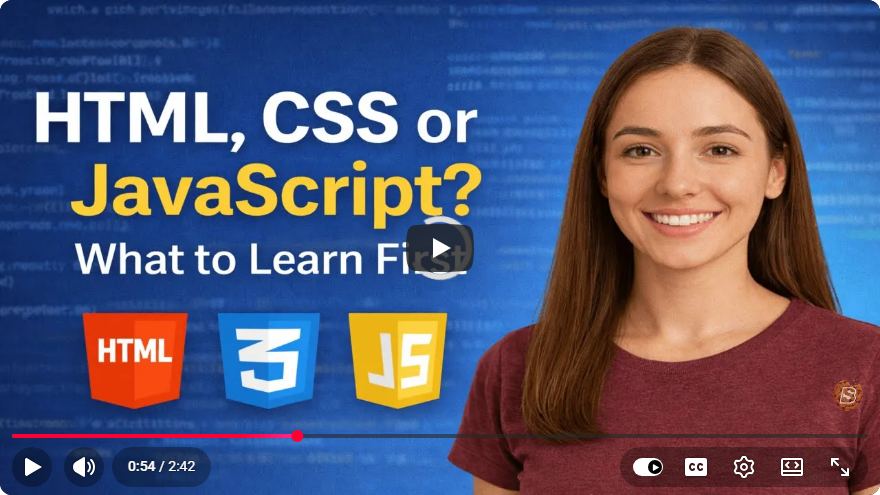
The Ultimate Guide to Starting Your Web Development Journey in 2026
Are you considering diving into the world of web development in 2026? If so, you're likely facing a common beginner's dilemma: "Should I learn HTML, CSS, or JavaScript first?" In this post, we will break down the importance of each of these foundational technologies and provide a clear roadmap to help you kickstart your journey into web development.
Understanding the Basics
Before we decide which language to prioritize, let’s briefly discuss what HTML, CSS, and JavaScript are.
HTML: The Structure of the Web
HTML (HyperText Markup Language) is the backbone of any website. It provides the basic structure of a web page and is used to define elements such as headings, paragraphs, images, links, and more.
Key Points:
- HTML is a markup language, not a programming language.
- It tells the browser how to display content.
Example: Basic HTML Structure
<!DOCTYPE html>
<html lang="en">
<head>
    <meta charset="UTF-8">
    <meta name="viewport" content="width=device-width, initial-scale=1.0">
    <title>My First Web Page</title>
</head>
<body>
    <h1>Welcome to My First Web Page</h1>
    <p>This is a simple HTML document.</p>
</body>
</html>
CSS: Styling the Web
CSS (Cascading Style Sheets) is used to style the appearance of web pages. It allows you to apply colors, fonts, layouts, and other design elements to HTML structures.
Key Points:
- CSS controls the visual presentation of a web page.
- It can be applied globally or selectively to specific HTML elements.
Example: Basic CSS Styling
body {
    font-family: Arial, sans-serif;
    background-color: #f4f4f4;
}

h1 {
    color: #333;
    text-align: center;
}

p {
    color: #666;
    line-height: 1.5;
}
JavaScript: Adding Interactivity
JavaScript is a programming language that allows you to create dynamic and interactive web applications. It enables you to respond to user actions, manipulate the document content, and communicate with servers.
Key Points:
- JavaScript is essential for adding functionality to web pages.
- It can be used on both the client-side (in the browser) and server-side (using environments like Node.js).
Example: Basic JavaScript Interaction
document.getElementById('myButton').addEventListener('click', function() {
    alert('Button was clicked!');
});
Which Should You Learn First?
Now that we understand what each technology does, let’s address the question: Which should you learn first?
Learn HTML First
Starting with HTML is recommended for beginners because:
- It provides the foundational structure needed for any web development.
- Understanding HTML will help you grasp how web pages are built, which is essential for styling and interactivity later on.
Move on to CSS
Once you have a good grasp of HTML, the next step is to learn CSS. This will allow you to style your web pages and make them visually appealing. Without CSS, your pages will be plain and uninviting.
Finally, Dive into JavaScript
After you’ve learned HTML and CSS, it’s time to tackle JavaScript. This language will empower you to create interactive elements on your web pages and enhance the user experience.
Conclusion
In summary, if you’re starting your web development journey in 2026, begin with HTML, then move on to CSS, and finally dive into JavaScript. This structured approach will provide you with a solid foundation and prepare you for more advanced topics in web development.
Feel free to explore each of these languages through online tutorials, coding exercises, and projects. The more you practice, the more comfortable you will become. Happy coding!
Connect with SkillBakery Studios
Explore more tutorials, tools, and resources:
Posted by SkillBakery Studios


 Hello, my name is Jack Sparrow. I'm a 50 year old self-employed Pirate from the Caribbean.
No comments:
Post a Comment