
42. Python Essentials: Mixed Data Structures: Combining Lists, Tuples, and Dictionaries in Python
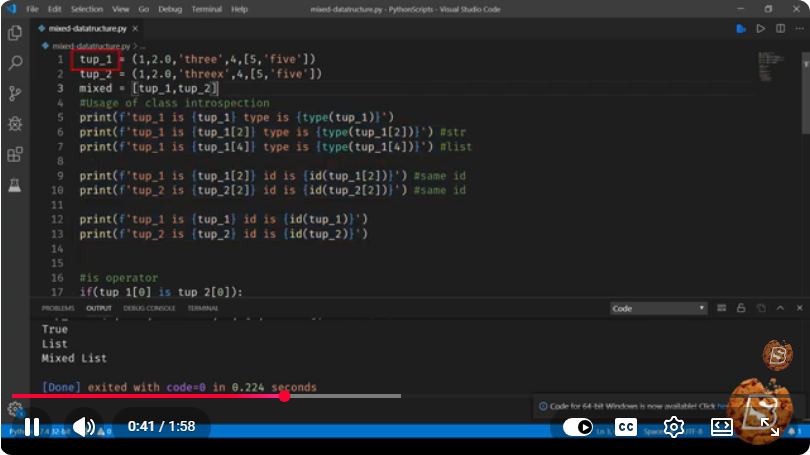
Python Essentials: Mixed Data Structures - Combining Lists, Tuples, and Dictionaries
In the world of Python programming, data structures are essential for organizing and managing data efficiently. In this tutorial, we will explore how to combine three fundamental data structures in Python: lists, tuples, and dictionaries. Understanding how to use these structures together will equip you with the tools necessary to handle complex data scenarios effectively.
What Are Lists, Tuples, and Dictionaries?
Before diving into how to combine these data structures, let's quickly define each one:
Lists
A list is an ordered collection of items. Lists are mutable, meaning that their contents can be changed after they are created.
# Example of a list
my_list = [1, 2, 3, 'Python', 4.5]
Tuples
A tuple is similar to a list but is immutable. Once a tuple is created, its contents cannot be altered.
# Example of a tuple
my_tuple = (1, 2, 3, 'Python', 4.5)
Dictionaries
A dictionary is an unordered collection of key-value pairs. Each key is unique, and you can access values using their corresponding keys.
# Example of a dictionary
my_dict = {'name': 'Alice', 'age': 30, 'city': 'New York'}
Combining Lists, Tuples, and Dictionaries
Now that we’ve covered the basics, let’s see how we can combine these data structures to create more complex structures.
1. Combining Lists and Tuples
You can store tuples inside a list, which allows you to create lists of records or grouped data.
# List of tuples
students = [('Alice', 30), ('Bob', 25), ('Charlie', 22)]

# Accessing data
for student in students:
    name, age = student
    print(f"Name: {name}, Age: {age}")
2. Combining Lists and Dictionaries
You can also have lists of dictionaries. This is especially useful for representing collections of items with various attributes.
# List of dictionaries
employees = [
    {'name': 'Alice', 'age': 30, 'department': 'HR'},
    {'name': 'Bob', 'age': 25, 'department': 'Engineering'},
    {'name': 'Charlie', 'age': 22, 'department': 'Marketing'}
]

# Accessing data
for employee in employees:
    print(f"Name: {employee['name']}, Department: {employee['department']}")
3. Combining Tuples and Dictionaries
Although less common than the previous combinations, you can use tuples as keys in dictionaries or store tuples as values.
# Dictionary with tuples as keys
coordinates = {
    (0, 0): 'Origin',
    (1, 1): 'Point A',
    (2, 2): 'Point B'
}

# Accessing data
for point, label in coordinates.items():
    print(f"Point: {point}, Label: {label}")
Use Cases for Mixed Data Structures
Combining different data structures allows for leveraging their strengths to solve specific problems. Here are some practical use cases:
- Data Management: Use lists of dictionaries to manage records, such as employee data or customer information.
- Data Analysis: Store data points (tuples) in a dictionary to represent relationships between different entities.
- Configuration Settings: Use dictionaries to store configurations with default values, where tuples can represent complex settings.
Conclusion
Combining lists, tuples, and dictionaries in Python allows for flexible and efficient data management. By understanding how to leverage these data structures together, you can create complex data models that can handle real-world scenarios effectively.
Feel free to experiment with the examples provided and explore how you can combine these data structures in your projects! Happy coding!

Connect with SkillBakery Studios
Explore more tutorials, tools, and resources:
Posted by SkillBakery Studios


 Hello, my name is Jack Sparrow. I'm a 50 year old self-employed Pirate from the Caribbean.
No comments:
Post a Comment