
Lecture-6: Run & Debug Your MCP Server Like a Pro | Understanding What Happens Under the Hood
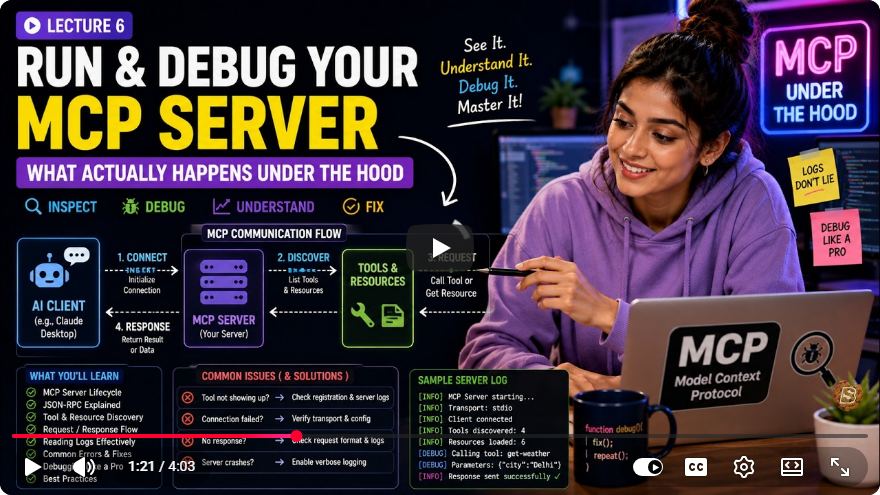
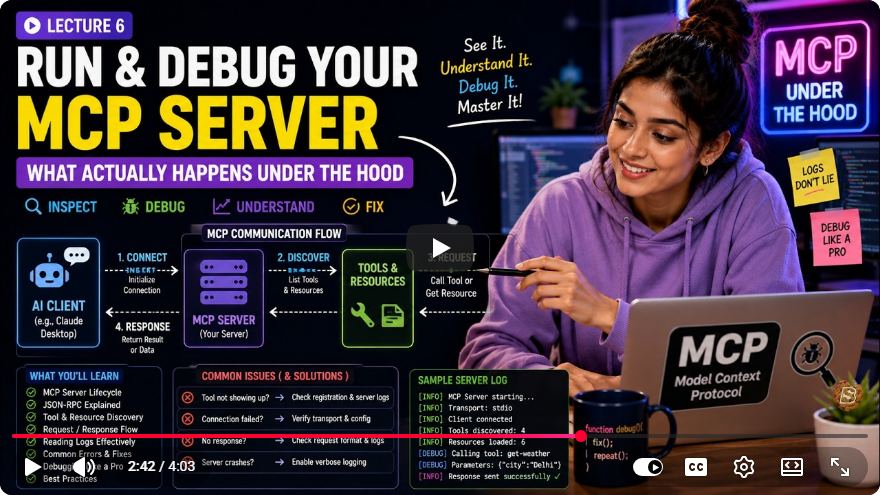
Mastering MCP Server: Running and Debugging Like a Pro
Welcome to our comprehensive guide on the Model Context Protocol (MCP) server, where we will explore the intricacies of running, debugging, and understanding what happens under the hood of your server. This blog post is designed to help developers transition from a silent terminal to a fully functioning AI tool.
Understanding the MCP Server Lifecycle
The Silent Terminal Dilemma
One of the initial challenges developers face when working with MCP is executing npm start and encountering a silent terminal. This silence can be unsettling, leading you to question whether your server is even operational.
It's essential to understand that in the world of MCP, this silence is both normal and expected. Unlike traditional applications that provide a "Hello World" message in the console, MCP operates differently.
How MCP Handles Input and Output
The key reason for this silence lies in the way MCP manages its input and output. Traditional web servers open a port (e.g., port 8080) to receive incoming data. However, MCP does not use ports. Instead, it relies on standard input (STDIN) for receiving JSON RPC messages and standard output (STDOUT) for sending responses.
This leads us to a crucial principle of MCP: Never use console.log. While in standard applications, console.log is a developer's best friend, in MCP, it outputs to STDOUT—the same channel used for the JSON RPC protocol. Logging messages here can corrupt the protocol and break the connection.
The Right Way to Log
Instead of console.log, you should use console.error, which directs logs to a separate diagnostic channel (STDERR). This keeps the communication pipe clean and functional, allowing for smooth data flow.
// Correct way to log in MCP
console.error('This is a diagnostic message');
Client-Server Relationship in MCP
In MCP, it is critical to shift your mental model regarding the client-server interaction. The client starts the MCP server, not the server awaiting connections. Various clients, such as Cloud Desktop, Cursor, or the MCP Inspector, spawn your Node.js server as a child process.
Running the Server
Simply executing npm start does not initiate any process since no parent client is connected yet. Instead, utilize the npm run inspect command to effectively debug your server. This command acts as a client to test your server's handshake and connection.
Understanding the Handshake Process
A successful connection between the client and server follows a strict three-step handshake process:
- Client sends an initialize request.
- Server replies with its capabilities (including tools, resources, and prompts).
- Client sends an initialize notification.
Only after this handshake is completed is the connection truly established and ready for work.
Handling Errors
If your server code contains fundamental errors (such as syntax mistakes, missing imports, or incorrect exports), it will crash before the handshake is completed. Consequently, the client receives nothing, the lock remains open, and users may see a generic connection error message.
Common Issues and How to Diagnose Them
When testing in Cloud Desktop, refer to the following matrix for common symptoms:
- Tools Missing: This likely indicates a misconfigured non-absolute server path in your config file.
- Stale Data: A lingering child process may be the cause. Restart Cloud Desktop completely to kill and respawn it.
- Silent Failure: Hidden startup errors may exist. Running the server command manually in your terminal will reveal crash logs.
The STDIO Lifecycle in Local Processes
You are now equipped with a fundamental understanding of the isolated STDIO lifecycle for local processes. This knowledge will help you master direct client spawning in a closed ecosystem.
Moving Beyond Local Processes
In our next deep dive, we will explore remote services using streamable HTTP and Express, enabling you to run decoupled AI services over the network.
Debugging Analogy
Think of debugging an MCP server like fixing a high-tech pneumatic tube system. The STDIO pipe serves as the communication channel between the client (the sender) and the server (the receiver). They exchange precisely formatted capsules (JSON RPC) through this tube.
Using console.log in this scenario is akin to throwing loose confetti into the tube—it clogs the system, preventing the capsules from passing through. Instead, console.error functions like a dedicated intercom system, allowing you to communicate without interfering with the tube's operation.
Conclusion
By understanding the unique lifecycle and debugging processes of MCP servers, you can enhance your development workflow significantly. Always remember to keep your logging separate to maintain a clean communication channel. Stay tuned for our next post, where we'll delve into remote services with streamable HTTP and Express!
Feel free to share your thoughts or questions in the comments below, and don’t forget to like and subscribe for more technical tutorials!
Connect with SkillBakery Studios
Explore more tutorials, tools, and resources:
Posted by SkillBakery Studios


 Hello, my name is Jack Sparrow. I'm a 50 year old self-employed Pirate from the Caribbean.
No comments:
Post a Comment